
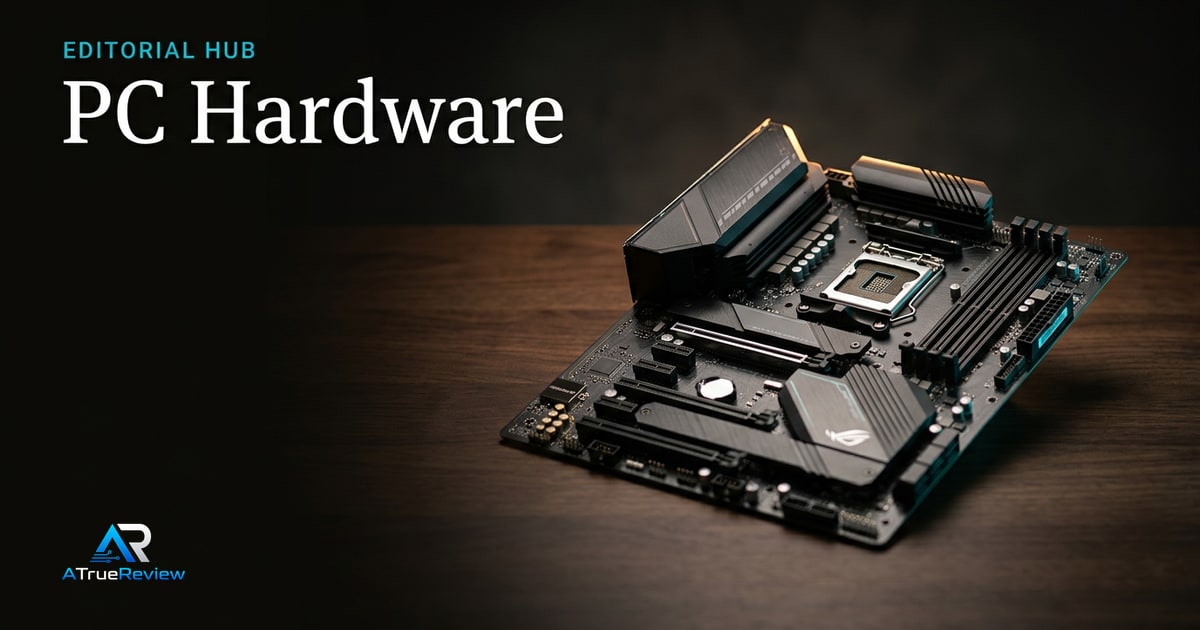
Memory, storage, motherboards, GPUs, power
PC Hardware
Buying guides and reviews for the components inside a desktop PC, from CPUs and memory to storage, motherboards, GPUs, and power supplies.
Use this page as the entry point for component-level decisions. Each subsection links into the current category page, buying guide, and featured review.
Reviews in this section
Hands-on coverage for products in this section.
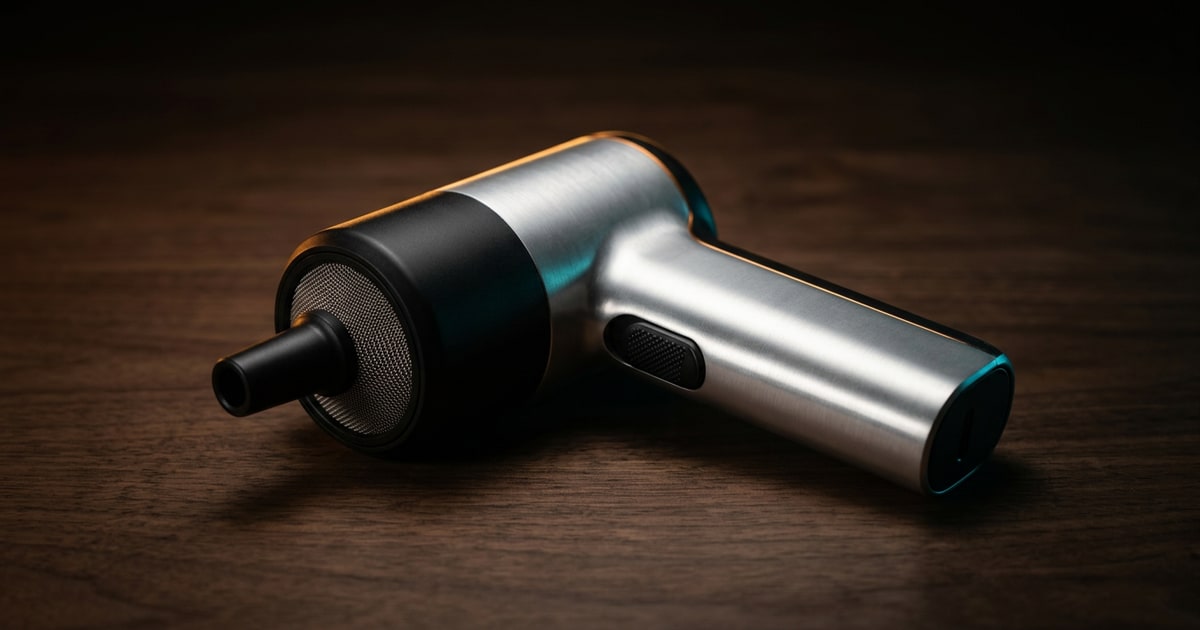
Evergreen maintenance guide
PC Cleaning and Maintenance Guide
A practical maintenance guide for keeping a desktop or laptop healthy: clean the vents safely, clear storage pressure, cut pointless startup load, and know when routine upkeep is no longer enough.
Read review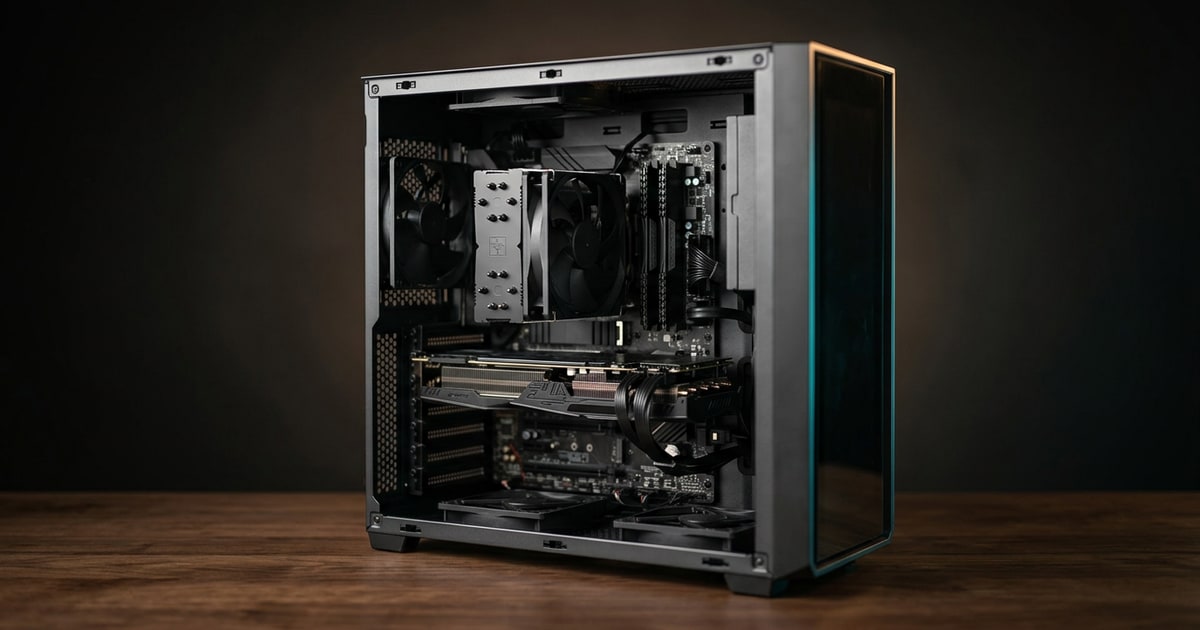
Evergreen maintenance guide
Slow PC Recovery Guide
A practical slow-PC recovery guide built around the fixes that still matter most: restart properly, reclaim storage, cut startup clutter, check for updates, scan for malware, and separate software drag from real hardware limits.
Read review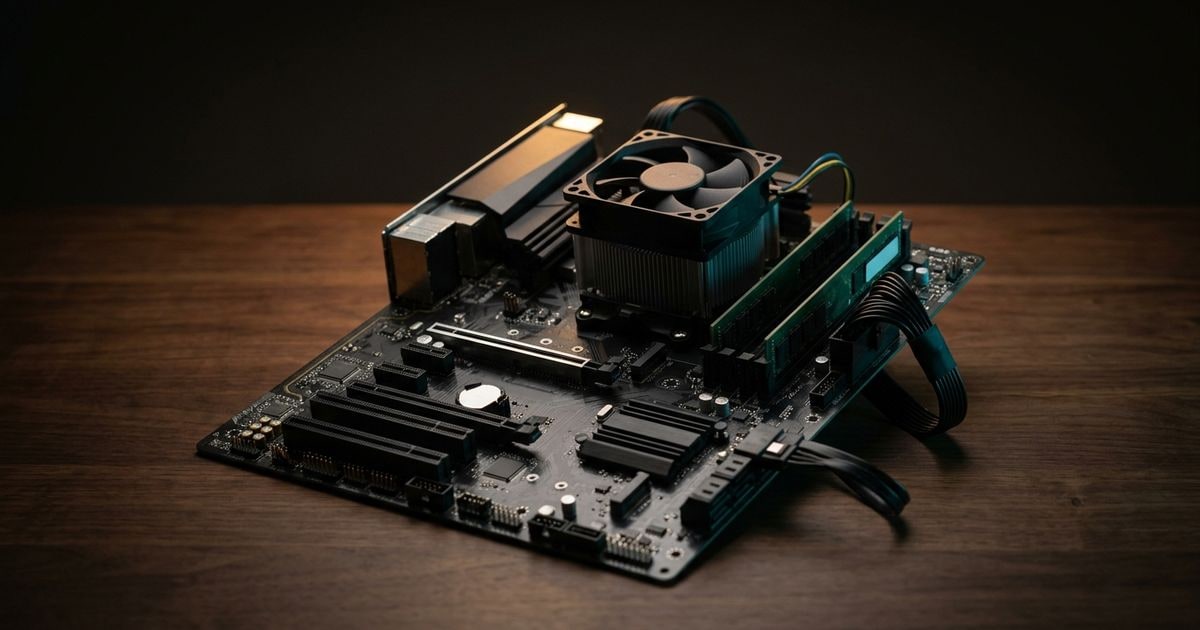
Evergreen repair guide
No Boot Troubleshooting Guide
A practical no-boot guide built around the distinction most users skip: first decide whether the problem is no power, no POST, or no boot, then use the right checks for each branch instead of guessing.
Read review
Evergreen repair guide
No Display Troubleshooting Guide
A practical repair guide for the most common no-display situations: check whether the issue is power, POST, monitor input, Windows display state, or an actual hardware fault before replacing parts blindly.
Read reviewRelated sections
Narrower sections inside PC Hardware.
Air, liquid, fans, thermals
Cooling
Buying guides and reviews for CPU cooling, case fans, radiators, and the airflow logic behind a quiet, stable PC build.
Open section
Care, cleaning, upkeep
Computer Maintenance
Practical maintenance guides for desktops and laptops — cleaning, dust management, thermal upkeep, and the small habits that keep a machine fast for years.
Open section
Diagnose, fix, replace
Computer Repair
Practical repair guides for desktops and laptops — diagnosing common faults, replacing parts, and deciding when a fix is worth the time.
Open sectionRelated guides and reviews
Where to go next inside this topic.
Editorial desk covering the wider desktop and laptop context.
Laptops categoryBuying coverage for portable workstations and everyday laptops.
Internal SSDs categoryBuying coverage for NVMe and SATA storage upgrades.
Best internal SSDsCurrent buying guide for Gen4 and Gen5 NVMe SSDs.
Samsung 990 Pro reviewFeatured review for high-performance NVMe storage.
Desktop memory categoryBuying coverage for DDR5 capacity, profile, and platform fit.
Best DDR5 RAMCurrent buying guide for desktop memory.
Corsair Vengeance DDR5 reviewFeatured review for mainstream DDR5 kits.
Power supplies categoryBuying coverage for PSU wattage, cabling, efficiency, and ATX 3.1.
Best power suppliesCurrent buying guide for PC power supplies.
Corsair RM850x SHIFT reviewFeatured review for ATX 3.1 power supplies.
Motherboards categoryBuying coverage for platform, chipset, memory, PCIe, and expansion choices.
Best motherboardsCurrent buying guide for AM5 and Intel motherboards.
ASUS ProArt X870E-Creator WiFi reviewFeatured review for creator-class motherboards.
Graphics cards categoryBuying coverage for GPU resolution, VRAM, power, and platform features.
Best graphics cardsCurrent buying guide for desktop GPUs.
NVIDIA GeForce RTX 5080 reviewFeatured review for high-end gaming GPUs.