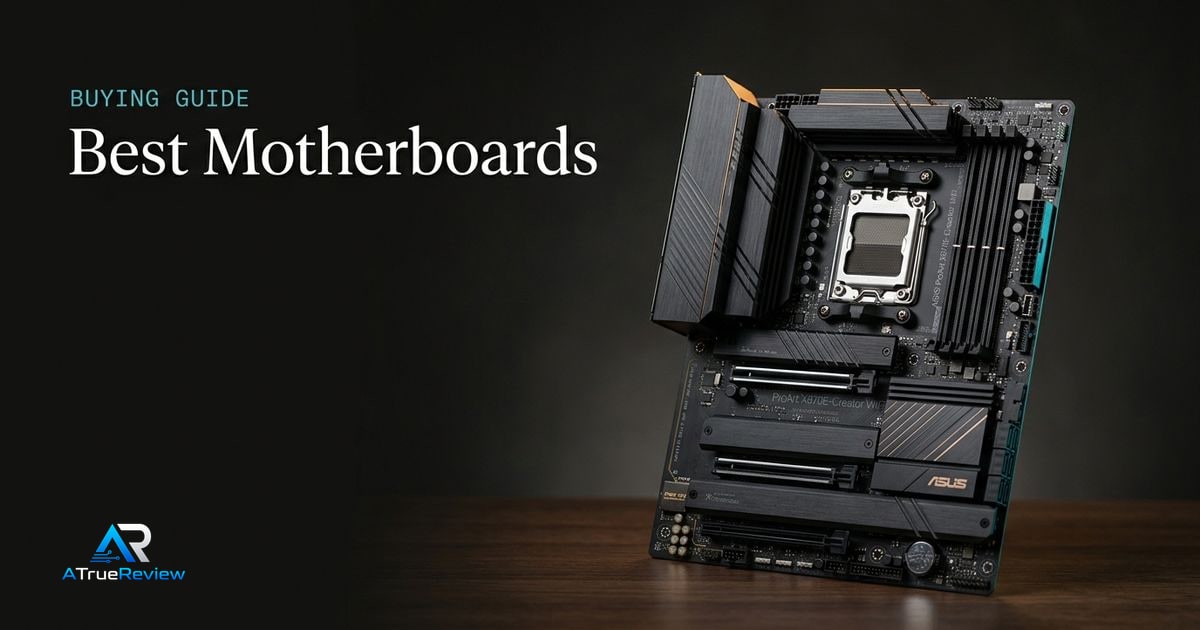
Motherboard recommendations should begin with the platform. A board can be excellent and still be wrong if it uses the wrong socket, lacks the storage layout you need, shares lanes in an awkward way, or needs a BIOS update before the target CPU and memory kit behave properly. The real buyer question is whether the board solves a recurring build or workflow need strongly enough to justify the chipset and connectivity premium.
Before buying, work through this sequence:
- Start with the CPU and socket, because AMD AM5, Intel LGA1851, and older platforms are different buying lanes.
- Decide whether the real need is creator connectivity, gaming value, or a general-purpose desktop before paying for a flagship chipset.
- Check how many M.2 slots, SATA ports, PCIe slots, and high-speed rear USB ports the build actually needs.
- Check memory support and QVL fit for the DDR5 kit you plan to run, especially if EXPO or XMP speed matters.
- Check lane sharing, GPU slot spacing, and cooler clearance before assuming every slot can run at full speed together.
- Decide whether the board needs premium extras like USB4, Thunderbolt-class connectivity, 10Gb Ethernet, or Wi-Fi 7.
- Match the board to the full build, not to the chipset badge alone.
For most buyers, the right motherboard is the one that cleanly supports the CPU, RAM, storage, and I/O plan without forcing a higher price tier than the build actually needs.
Why ASUS ProArt X870E-Creator WiFi leads creator AM5
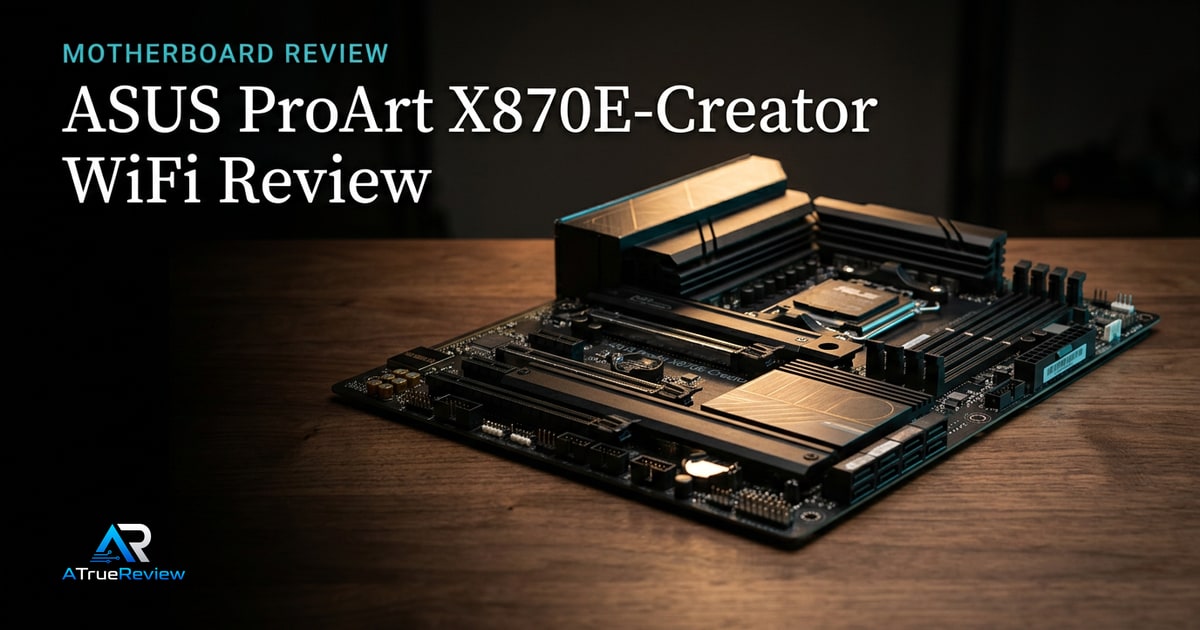
The ASUS ProArt X870E-Creator WiFi is the strongest first recommendation for a premium AMD creator build because it combines Ryzen 9000, 8000, and 7000 support with dual USB4, 10Gb and 2.5Gb Ethernet, Wi-Fi 7, PCIe 5.0, four M.2 slots, and a 16+2+2 80A power-stage design.ASUS
That makes it a board for connectivity-heavy workstations, not a default recommendation for every AM5 gaming PC.
Why MSI MAG B850 Tomahawk Max WiFi is the mainstream AM5 pick
The MSI MAG B850 Tomahawk Max WiFi is useful because many AMD builders do not need a flagship X870E board. MSI lists AMD B850, AM5 socket support for Ryzen 9000, 8000, and 7000 desktop processors, up to 256GB DDR5, AMD EXPO support, and DDR5 overclocking support up to 8400+ MT/s depending on CPU and memory configuration.MSI
That makes it the more sensible AM5 shortlist entry when the buyer wants modern platform support without paying for every premium I/O feature.
Why Gigabyte Z890 AORUS Elite WiFi7 covers Intel builds
The Gigabyte Z890 AORUS Elite WiFi7 keeps the guide from pretending every buyer is on AMD. Gigabyte lists Intel Core Ultra processor support on LGA1851, Intel Z890, DDR5 support, one PCIe 5.0 x16 slot, four M.2 connectors, four SATA ports, 2.5Gb Ethernet, Wi-Fi 7, and Thunderbolt 4 or USB4 Type-C connectivity.Gigabyte
That makes it the Intel platform pick for builders choosing current Core Ultra desktop CPUs.
What each motherboard has to prove before you pay
Motherboards are easy to overspend on because chipset names look more useful than they often are. The better move is to ask what each board has to prove in the actual build.
- ASUS ProArt X870E-Creator WiFi should prove that dual USB4, 10GbE, creator I/O, and multi-drive flexibility are real workflow needs rather than premium-spec temptation.
- MSI MAG B850 Tomahawk Max WiFi should prove that mainstream AM5 support and modern networking are enough without paying X870E creator-board money.
- Gigabyte Z890 AORUS Elite WiFi7 should prove that the buyer actually wants a current Intel desktop platform rather than defaulting to AMD out of momentum.
If the buyer cannot clearly name the I/O, storage, or workflow problem the board is supposed to solve, the better move is often spending on the CPU, GPU, or SSD instead of chasing a pricier motherboard tier.
When a motherboard is not the answer
A motherboard solves socket, I/O, storage-layout, or platform-feature problems. It is usually the wrong purchase when:
- the current system bottleneck is really the GPU, SSD, RAM capacity, or CPU cooler
- the builder is upgrading only for a newer chipset badge without needing the extra slots, ports, or networking
- the target CPU and memory kit already run well on the existing board after a BIOS update
- the planned build is budget-constrained and the money would move performance more by upgrading the CPU or graphics card
- the buyer is chasing USB4, 10Gb Ethernet, or Gen5 storage features that their real workflow will never use
In those cases, the better move is often spending on the actual bottleneck or keeping the current board until the next full platform change.
What still needs hands-on validation
Before this guide becomes a final buyer page, the site should test BIOS setup, CPU compatibility, memory QVL behavior, EXPO and XMP stability, cold boots, lane sharing, M.2 thermals, VRM thermals, GPU latch access, USB4 or Thunderbolt behavior, Wi-Fi 7 stability, Ethernet throughput, fan control, audio noise, and case-installation friction.
Where to go next
For a product-level read, start with the ASUS ProArt X870E-Creator WiFi review, especially if the buyer is weighing creator connectivity against cheaper AM5 alternatives. For broader routing, use motherboards for the full category and the computing hub for the wider build stack. Motherboard decisions also pair naturally with best DDR5 RAM for QVL and EXPO or XMP fit, best internal SSDs for M.2 planning, best CPU coolers for socket and RAM clearance, and best power supplies when the build is moving to a new CPU and GPU tier.