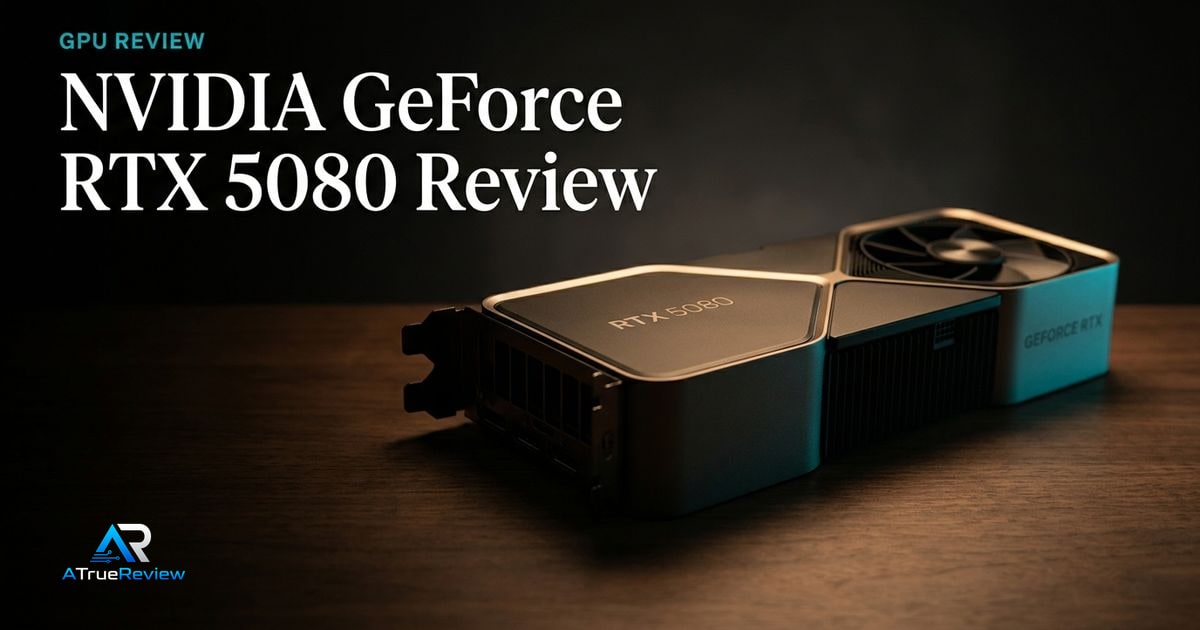
Featured review
NVIDIA GeForce RTX 5080 Review
A review of the NVIDIA GeForce RTX 5080, focused on whether Blackwell performance, DLSS, Reflex 2, ray tracing, and creator features justify the premium for a real 4K or creator build.
Read the review Our Method
Resolution, VRAM, power, and platform features
A category page for readers choosing graphics cards by target resolution, VRAM, ray tracing, upscaling support, creator acceleration, display outputs, PSU requirements, case clearance, driver stack, and platform features.
Buyers narrowing between high-end 4K GPUs, value-focused 1440p cards, budget 1080p/1440p options, creator acceleration, and whether NVIDIA, AMD, or Intel features matter more for their games and workloads.
Keep the tone calm and decisive so the hub feels like a navigation layer, not a spec dump.
Featured review
A review of the NVIDIA GeForce RTX 5080, focused on whether Blackwell performance, DLSS, Reflex 2, ray tracing, and creator features justify the premium for a real 4K or creator build.
Read the review
Lead guide
A buying guide for graphics cards, focused on target resolution, VRAM, ray tracing, upscaling, driver stack, display outputs, PSU requirements, case clearance, creator acceleration, and when flagship GPUs are overkill.
Open the guideCategory frame
Graphics card buying should start with the monitor and workload. A GPU that makes sense for 4K ray-traced gaming can be wasteful for 1080p esports, and a card that is good value for rasterized gaming may be weaker for AI, creator, or ray-tracing-heavy workflows.
Picks on this page weigh real resolution fit, enough VRAM, stable drivers, sensible power requirements, case clearance, and display-output support more heavily than headline average-FPS numbers.
Use this page to narrow the GPU problem before jumping into one card review or a broader shortlist.
This category is most useful when the buyer already knows the target games or workloads and now needs to avoid buying too much or too little GPU for the rest of the build.
This is the cleaner way to buy a GPU. Do not ask which card posts the loudest benchmark number. Ask which one actually fits the display, power budget, and workload already on the desk.
GPU research is usually the wrong next step when:
In those cases, the better move is often fixing the actual platform or display bottleneck before spending on a bigger graphics card.
For a product-level buying verdict, start with the NVIDIA GeForce RTX 5080 review. For shortlist logic across the category, open best graphics cards. GPU buying also affects the whole system: check desktop monitors for resolution and refresh-rate targets, power supplies for wattage and native GPU cabling, PC cases for card length and airflow, motherboards for PCIe layout, and the wider computing hub when the whole build still needs shaping.
Reviews in this category
Category pages should help readers move from general interest into a smaller set of decisive editorial calls.