Graphics-card recommendations should start with the monitor, the games, and the workload. Buying a card without deciding on target resolution, refresh rate, VRAM needs, PSU headroom, and feature priorities is how people overspend, chase launch-week hype, or buy the wrong platform for the rest of the build.
A clean graphics-card decision tree
Before buying, make these decisions in order:
- Decide whether the real target is 1080p, 1440p, or 4K, and whether refresh rate matters as much as resolution.
- Decide whether the card is primarily for gaming, creator acceleration, AI workloads, or a mixed machine.
- Decide whether ray tracing, upscaling quality, frame generation, Studio drivers, or raw raster value matters most.
- Decide whether the case, PSU, and power connectors actually support the class of card being considered.
- Decide how much VRAM headroom is needed for the games, apps, and time horizon involved.
- Confirm whether the monitor, CPU, and budget justify a higher-tier GPU or whether the build is about to overbuy the graphics slot.
That sequence is more useful than buying the fastest card the budget can stretch to. Most GPU regret comes from mismatching the card to the display, power budget, or workload.
What each GPU has to prove before you pay
- The NVIDIA GeForce RTX 5080 has to prove that the buyer will actually use DLSS, Reflex, ray tracing, creator acceleration, or high-refresh 4K headroom often enough to justify paying the NVIDIA premium.
- The AMD Radeon RX 9070 XT has to prove that raster value and 16GB VRAM matter more than NVIDIA-specific software advantages for the exact games and apps involved.
- The Intel Arc B580 has to prove that the lower price and 12GB VRAM offset the extra compatibility checking and driver caution budget builders still need.
This is the cleaner way to buy a GPU. Do not ask which card is “best” in the abstract. Ask which one earns its place in the exact display, power, and workload envelope being built.
Why NVIDIA GeForce RTX 5080 leads high-end NVIDIA builds
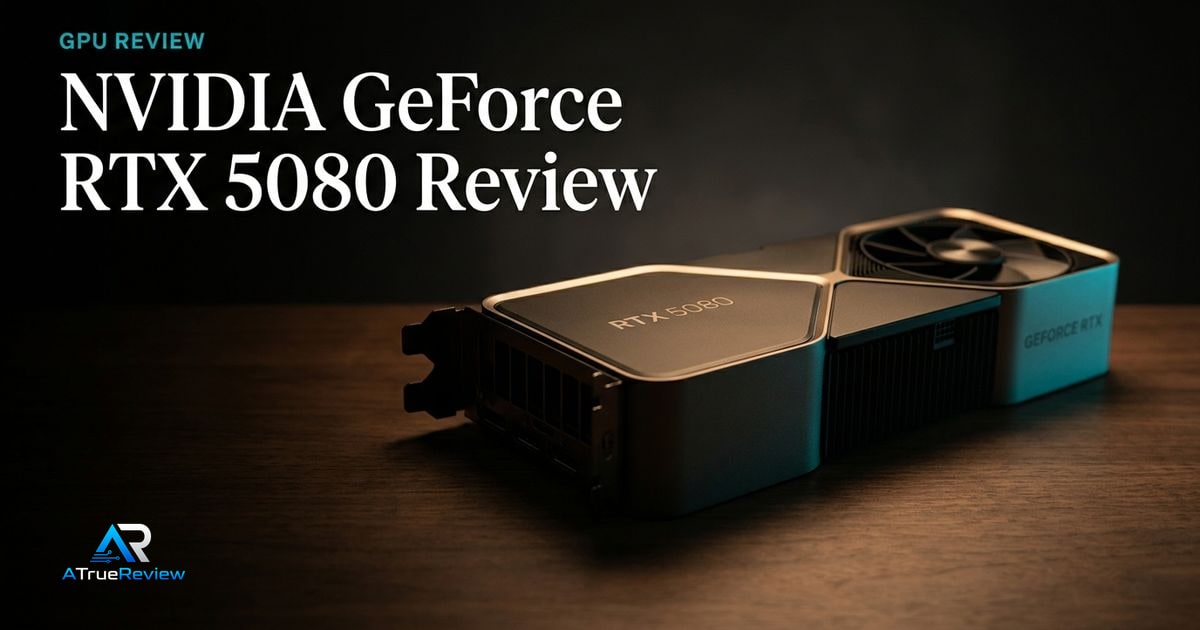
The GeForce RTX 5080 is the high-end NVIDIA pick because it combines Blackwell architecture, 10,752 CUDA cores, fifth-generation Tensor Cores, fourth-generation ray-tracing cores, 16GB GDDR7, a 256-bit memory interface, DLSS support, Reflex 2, Studio drivers, G-SYNC, and PCIe Gen 5.NVIDIA
That makes it the right shortlist entry for 4K gaming, ray tracing, and creator workflows where NVIDIA’s software stack matters.
The Radeon RX 9070 XT is the AMD performance pick. AMD lists 64 compute units, 16GB GDDR6, a 256-bit memory interface, 64MB Infinity Cache, 304W typical board power, 750W minimum PSU recommendation, two 8-pin power connectors, DisplayPort 2.1a, HDMI 2.1b, AV1 encode/decode, and Radeon platform features including FSR Redstone.AMD
That makes it a serious gaming option when the buyer wants Radeon value and 16GB VRAM, while still acknowledging that ray tracing, AI, and creator workflows need direct testing against NVIDIA.
Why Intel Arc B580 matters for budget builds
The Intel Arc B580 belongs in the guide because budget cards are often constrained by VRAM. Intel’s launch materials position the B580 around 12GB of dedicated memory, modern gaming features, 1440p-oriented performance, XeSS 2 technologies, media acceleration, and AI workload support at a lower price tier than the flagship stacks.Intel
That makes it a compelling budget candidate, but only after checking driver behavior in the exact games and creative apps the buyer cares about.
What still needs hands-on validation
Before this guide becomes a final buyer page, the site should test 1080p, 1440p, and 4K game performance, ray tracing, upscaling image quality, frame generation latency, creator exports, AV1 encode quality, AI workloads, driver stability, idle and load power, transient behavior, thermals, fan noise, coil whine, case fit, PSU cable routing, and current street pricing.
When a new graphics card is not the answer
A GPU upgrade is usually the wrong first move when:
- the real bottleneck is the monitor, CPU, or system storage rather than graphics performance
- the current games are mostly esports titles that already run well on the existing card
- the PSU, case, or thermals cannot support the intended upgrade cleanly
- the buyer is reacting to launch hype without a display or workload that will use the extra performance
- the system needs a balanced rebuild more than one flagship component
In those cases, a monitor upgrade, platform refresh, or a lower-tier balanced build will usually compound better than forcing a bigger GPU into the wrong system.
Where to go next
For a product-level buying verdict, start with the NVIDIA GeForce RTX 5080 review. For broader routing, use graphics cards for the full category and the computing hub for the wider build stack. GPU decisions also pair naturally with best monitors for resolution and refresh targets, best power supplies for wattage and native GPU cabling, best PC cases for clearance and airflow, best motherboards for PCIe layout, and best DDR5 RAM when platform balance matters.