Internal SSD recommendations should start with the slot, not the spec sheet. A drive can be fast on paper and still be the wrong buy if the motherboard cannot run it at full speed, the laptop has no thermal headroom, or the workload only needs capacity. The real buyer question is whether the drive solves a meaningful workload or capacity problem strongly enough to justify paying more for benchmark speed.
A clean internal-SSD decision tree
Before buying, work through this sequence:
- Check whether the system takes M.2 NVMe, 2.5-inch SATA, or both.
- Check whether the target slot is PCIe 3.0, 4.0, or 5.0 before paying for speed the board cannot expose.
- Decide whether the drive is for an OS disk, active project work, a game library, or bulk secondary storage.
- Check whether the system has an M.2 heatsink or enough airflow for a fast Gen4 or Gen5 drive.
- Decide whether the real priority is responsiveness, sustained writes, or cheapest cost per terabyte.
- Match the drive to the workload, not to the benchmark chart.
For most buyers, a strong Gen4 drive is still the clean answer. Gen5 only makes sense when the board supports it, cooling is handled, and the workload can actually use the extra bandwidth.
Why Samsung 990 Pro leads the Gen4 slot
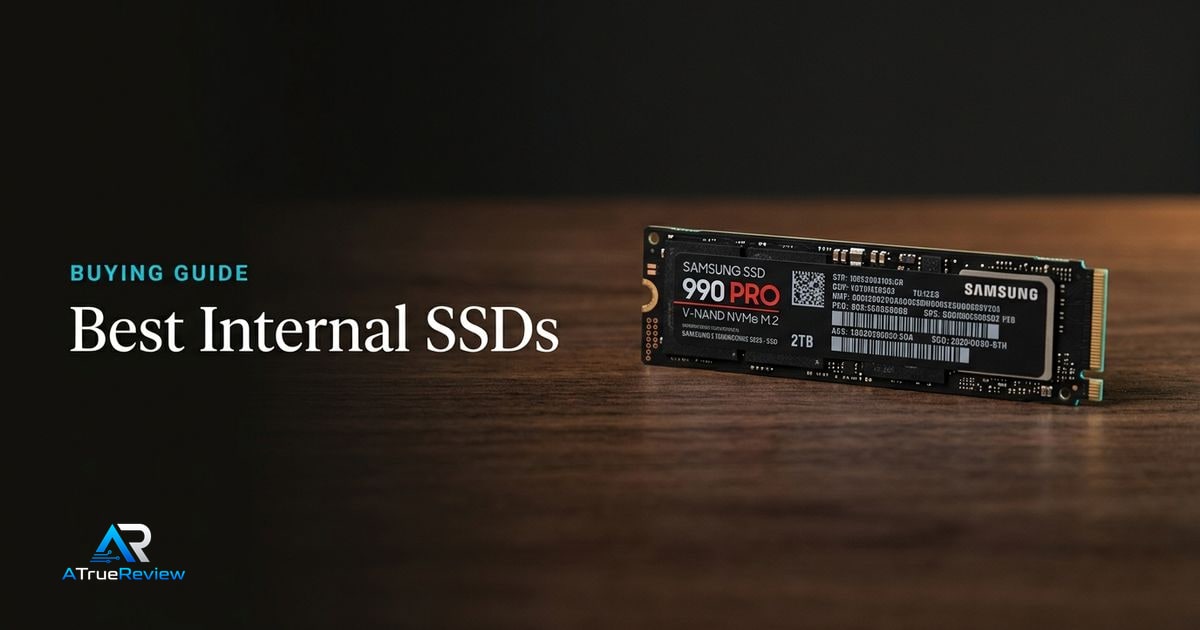
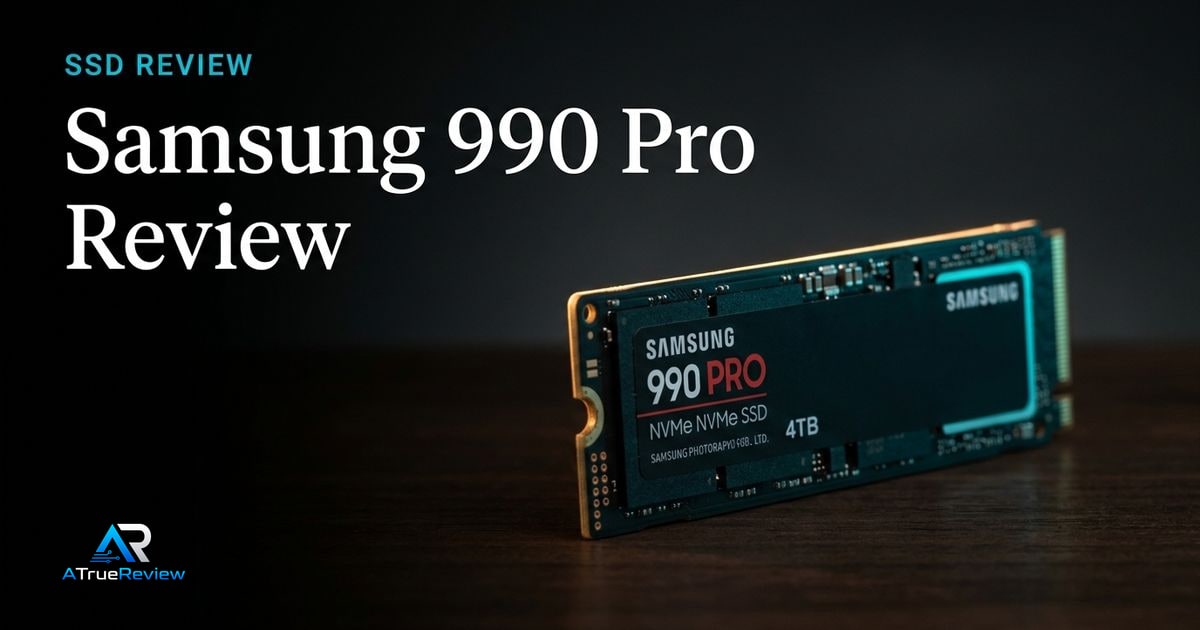
The Samsung 990 Pro is the safest first recommendation because it offers high-end PCIe 4.0 performance without making the buyer solve Gen5 heat and platform constraints. Samsung lists sequential read/write speeds up to 7,450/6,900 MB/s and emphasizes smart thermal control and improved power efficiency.Samsung Semiconductor
That makes it the conservative premium pick for gaming PCs, creator desktops, and compatible console storage.
Why Crucial T705 is the Gen5 speed pick
The Crucial T705 is the speed-ceiling option. Crucial lists the 2TB T705 with PCIe 5.0 NVMe M.2 2280 support, Micron 232-layer TLC NAND, read/write speeds up to 14,500/12,700 MB/s, a five-year limited warranty, and a heatsink option for heat dissipation without fans.Crucial
That does not make it the default. It makes it the recommendation for desktop builders with the right board, cooling, and workload.
Why WD_BLACK SN850X stays in the gaming conversation
The WD_BLACK SN850X remains useful because gaming storage is often about capacity and maturity as much as peak speed. Western Digital’s current WD_BLACK product page lists PCIe Gen4, M.2 2280, up to 7,300 MB/s read speed on common models, optional heatsink versions, WD_BLACK Dashboard Game Mode 2.0 features, and capacities up to 8TB on the product line.WD_BLACK
That makes it a sensible gaming-capacity pick, especially when the buyer does not need a Gen5 drive.
What each SSD has to prove before you pay
Storage is easy to overspend on because benchmark numbers scale faster than felt performance. The better move is to ask what each drive has to prove in the actual build.
- Samsung 990 Pro should prove that mature Gen4 speed, lower heat, and broad compatibility matter more than chasing hotter Gen5 peak numbers.
- Crucial T705 should prove that the motherboard, cooling, and workload can actually use Gen5 bandwidth enough to justify the extra complexity.
- WD_BLACK SN850X should prove that gaming capacity and mature Gen4 behavior matter more than either the Samsung’s polish or the Crucial’s benchmark ceiling.
If the buyer cannot clearly name the workload the drive is supposed to accelerate, the better move is often buying the strong Gen4 default and moving on.
When an internal SSD is not the answer
An SSD solves a storage-speed, capacity, or reliability problem. It is usually the wrong purchase when:
- the system only feels slow because it is low on RAM or thermally throttling
- the buyer is paying for Gen5 speed on a motherboard or laptop that only runs Gen3 or Gen4
- the real problem is game performance, which is limited by the graphics card rather than storage
- the machine already has a good OS SSD and only needs cheap bulk storage
- the laptop or console has thermal or fit limits the buyer has not checked yet
In those cases, the better move is often adding memory, improving cooling, buying a cheaper secondary drive, or putting the budget into the GPU or platform upgrade instead.
What still needs hands-on validation
Before this guide becomes a final buyer page, the site should test sustained writes after cache exhaustion, thermal behavior with and without heatsinks, random responsiveness, game load behavior, drive-cloning workflow, firmware tools, laptop fit, PS5 fit, and price-per-terabyte at the time of recommendation.
Where to go next
For a product-level read, start with the Samsung 990 Pro review, especially if the buyer wants the safest high-end Gen4 answer instead of a Gen5 heat project. For broader routing, use internal SSDs for the full category and the computing hub for the wider build stack. SSD decisions also pair naturally with best motherboards for M.2 lane and heatsink support, best DDR5 RAM when choosing between memory and storage upgrades, best PC cases for airflow, and best graphics cards when game performance is the real bottleneck.