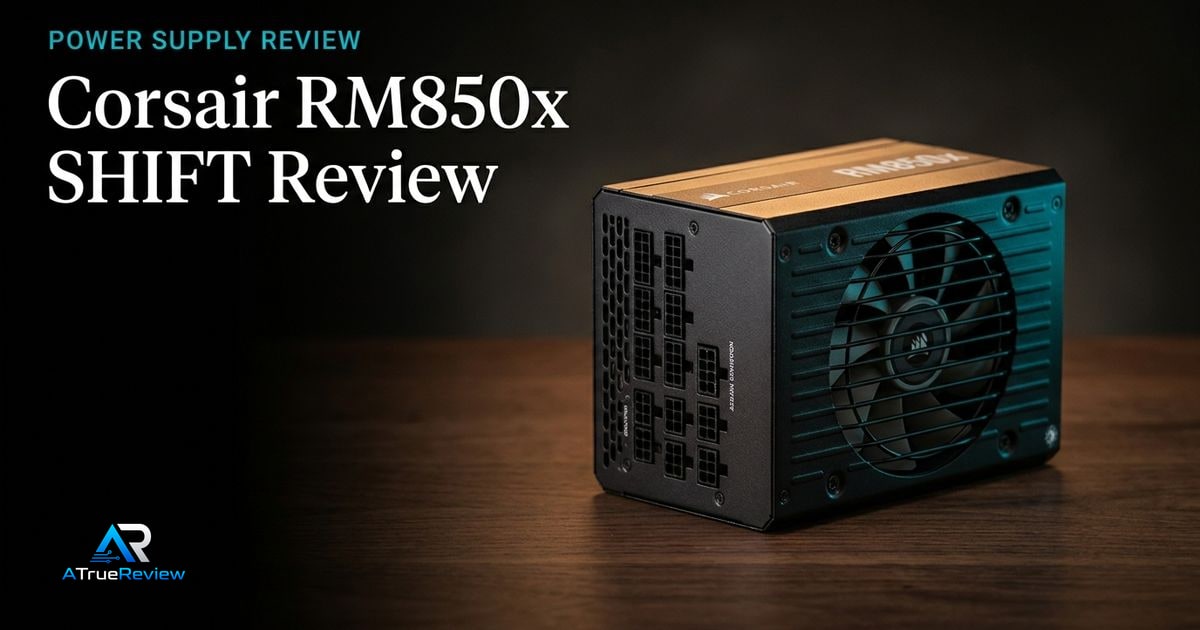
Featured review
Corsair RM850x SHIFT Review
A review of the Corsair RM850x SHIFT, focused on whether its ATX 3.1 platform, native 12V-2x6 cable, and side-mounted connector layout are worth paying for in a real build.
Read the review Our Method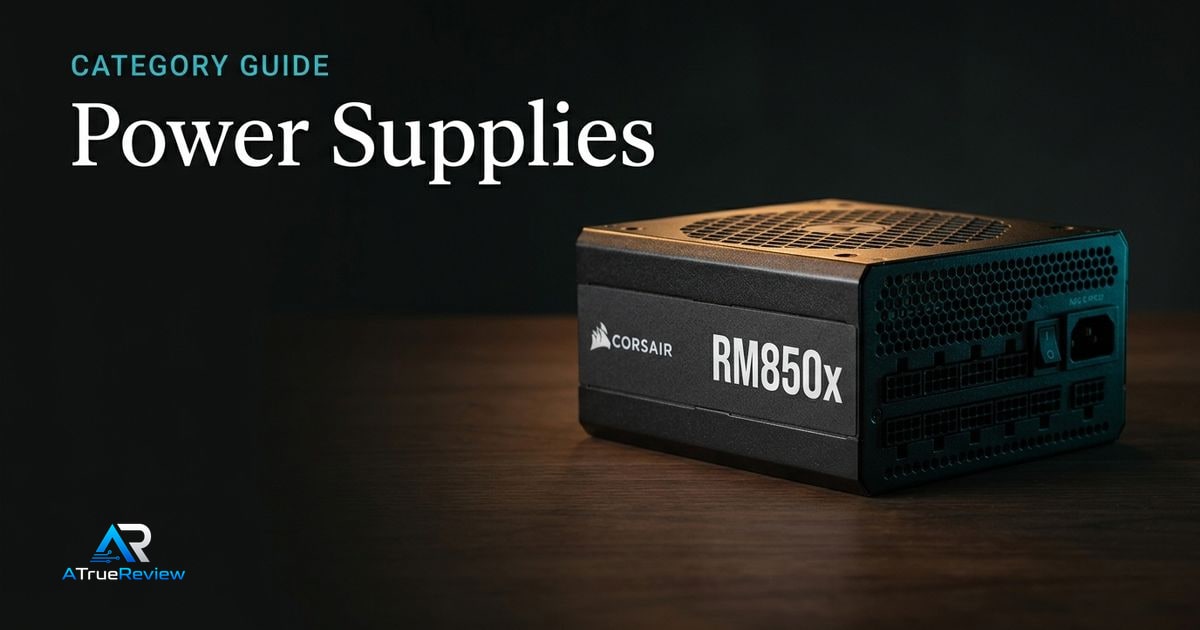
Wattage headroom, ATX 3.1, cables, and noise
A category page for readers choosing PC power supplies by wattage headroom, ATX 3.1 and PCIe 5.1 support, native GPU cabling, efficiency certification, transient handling, modular cables, case fit, fan noise, and warranty.
Builders narrowing between mainstream 850W units, quiet Platinum PSUs, compact modular options, and higher-wattage supplies for modern GPUs without overbuying unsafe or incompatible hardware.
Keep the tone calm and decisive so the hub feels like a navigation layer, not a spec dump.
Featured review
A review of the Corsair RM850x SHIFT, focused on whether its ATX 3.1 platform, native 12V-2x6 cable, and side-mounted connector layout are worth paying for in a real build.
Read the review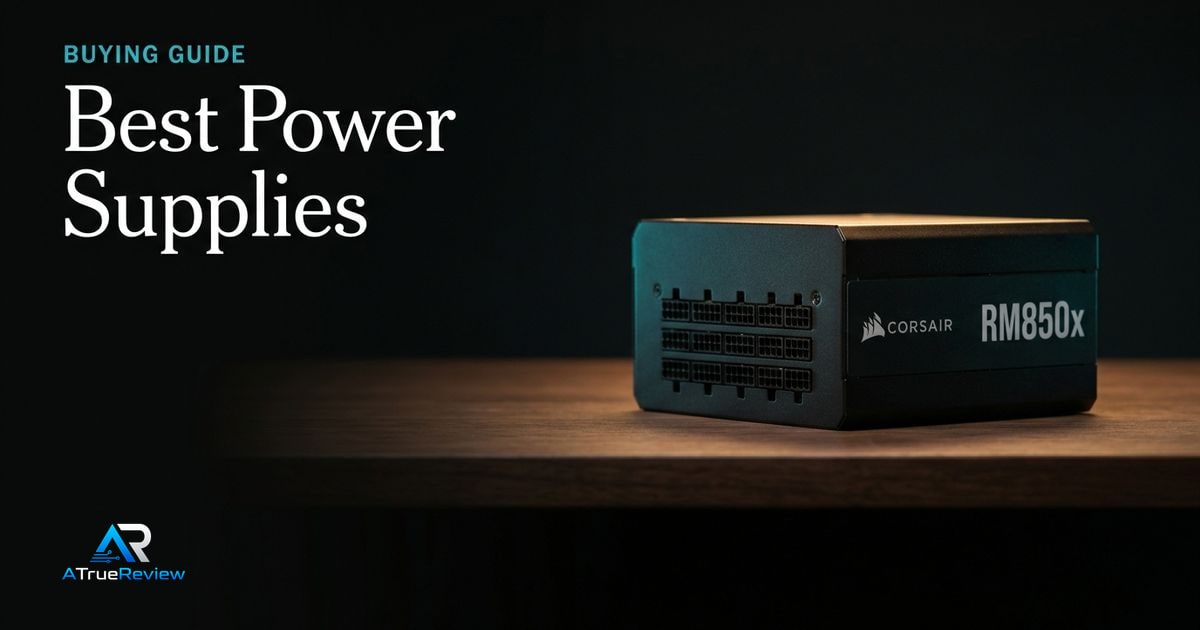
Lead guide
A buying guide for PC power supplies, focused on wattage headroom, ATX 3.1 and PCIe 5.1 support, native GPU cabling, efficiency, modular cables, acoustic behavior, protection features, and case compatibility.
Open the guideCategory frame
Power supply buying should be boring in the right ways. The correct unit has enough capacity, the right native GPU cable, stable protection behavior, manageable noise, and a cable layout that fits the case.
Picks on this page weigh modern standards support, clean cabling, electrical validation, sensible wattage headroom, and warranty support more heavily than any single efficiency badge on the box.
Use this page to narrow the PSU problem before jumping into one unit review or a broader shortlist.
This category is most useful when the builder already knows the CPU and GPU class and now needs to avoid overbuying wattage or underbuying connector and standards support.
This is the cleaner way to buy a PSU. Do not ask which unit looks most powerful on the label. Ask which one quietly removes connector, fit, and transient-risk mistakes from the build.
PSU research is usually the wrong next step when:
In those cases, the better move is often fixing the actual build or performance bottleneck before swapping in a more expensive PSU that does not change the outcome.
For a product-level buying verdict, start with the Corsair RM850x SHIFT review. For shortlist logic across the category, open best power supplies. PSU choice also follows the power-hungry parts: start with graphics cards for GPU power and connector needs, motherboards for CPU/EPS and expansion planning, PC cases for PSU length and cable clearance, and the wider computing hub when the whole build still needs shaping.
Reviews in this category
Category pages should help readers move from general interest into a smaller set of decisive editorial calls.