Best for
Who should buy it
Gaming PCs, productivity desktops, AM5 builds, Intel DDR5 builds, and upgrades where a 32 GB 2x16GB matched kit is the right baseline.
 Our Method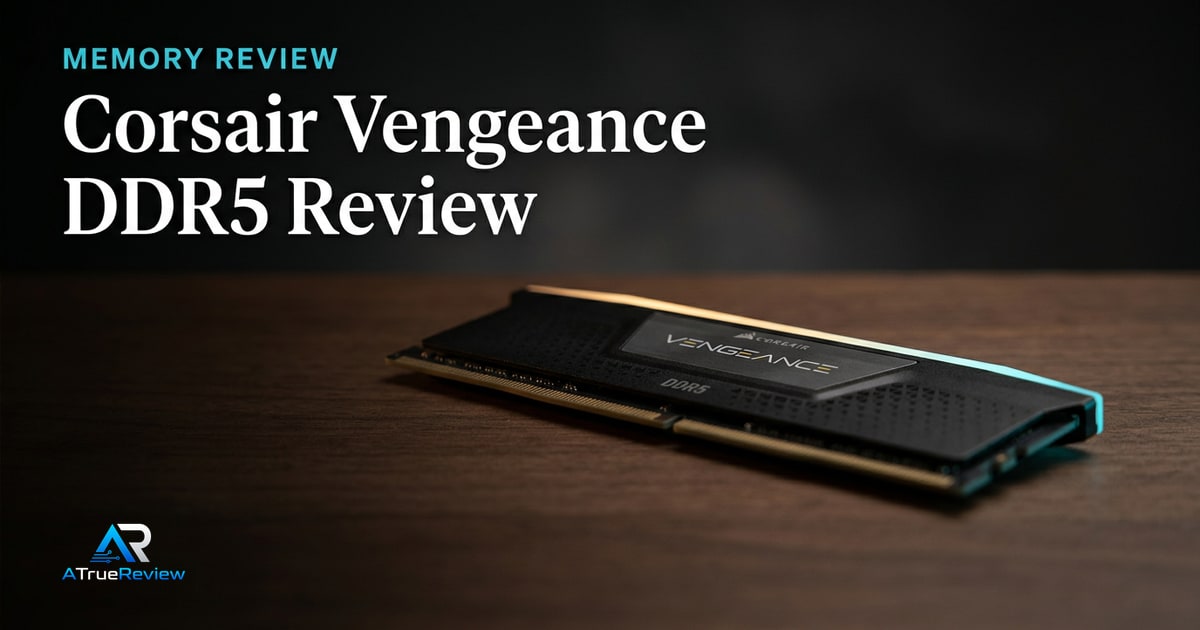
Desktop memory review
A review of Corsair Vengeance DDR5 6000MT/s CL30 memory, focused on mainstream DDR5 speed, dual-profile EXPO/XMP support, and whether the safe-speed default is worth buying over faster kits.
Verdict
Recommended
A practical DDR5 anchor for modern AMD and Intel builds when the buyer wants a mainstream 6000MT/s CL30 kit instead of chasing extreme memory clocks.

Best for
Gaming PCs, productivity desktops, AM5 builds, Intel DDR5 builds, and upgrades where a 32 GB 2x16GB matched kit is the right baseline.
Skip if
Your motherboard only supports DDR4, your board QVL excludes the kit, you need very high-capacity workstation memory, or you want a final tested stability verdict before buying.
Test window
Launch brief based on Corsair product documentation. Hands-on MemTest, profile boot, cold-boot, application, clearance, and multi-board validation is still required before final scoring.
Specs
Key findings
The Corsair Vengeance DDR5 6000 MT/s CL30 kit is the answer to the only DDR5 question most builders should be asking in 2026: what is the safest, fastest, most compatible 32 GB memory kit I can buy without spending an extra weekend on BIOS tuning? Corsair’s Vengeance line has effectively become the default answer because the spec is right, the price is reasonable, and the kit appears on essentially every motherboard QVL.
It is not the fastest DDR5 you can buy. That is the point. The market for “the fastest DDR5 you can buy” is small and unforgiving. The market for “memory that boots first try and stays stable” is most of the desktop world.
The strongest case is platform fit. AM5 platforms target 6000 MT/s as the 1:1 fclk:mclk sweet spot — going faster typically forces a 2:1 ratio that costs more performance than the MT/s gain delivers. On Intel, 6000 CL30 is well within the comfort zone of every modern memory controller and BIOS.
Corsair’s official product page lists both AMD EXPO and Intel XMP 3.0 profiles, low-profile black heatspreaders, and a limited lifetime warranty. The dual-profile design matters specifically because it removes a coin flip from buying decisions: you do not have to confirm which platform the kit was tuned for.
Memory is a platform part, not an isolated product. A kit can be excellent on its own and still be the wrong buy if the motherboard BIOS is weak, the CPU memory controller cannot hold the rated profile under load, the air cooler blocks the front fan slot near the DIMMs, or the buyer actually needs 64 GB or 96 GB.
A memory kit is only as fast as the slowest part of the platform it lands in. The kit usually is not what limits you.
— The honest framing
Corsair itself flags this on the product page: maximum tested speed depends on motherboard, CPU, and other system components, and BIOS adjustments are required to enable the rated profile. That caveat is correct and worth keeping visible in any final score.
That is the real commercial question. This kit does not need to top every benchmark chart; it needs to justify why a builder should choose the stable mainstream answer instead of paying more for speed they may never run cleanly.
If the buyer wants a 32 GB matched kit that boots easily, clears big air coolers, and works across AMD and Intel without much drama, the value is obvious. If the buyer truly enjoys BIOS tuning and has a motherboard and CPU memory controller built for higher-frequency experiments, the safer default becomes less compelling.
The “Vengeance” sub-product confusion is a real buyer issue. Many SKUs share the name but ship at different speeds, latencies, profile configurations, and heatspreader heights. The exact part number matters; do not buy “Corsair Vengeance DDR5 32 GB” generically.
Before any final scoring, the site needs to test EXPO and XMP boot behavior on at least one AMD and one Intel board, cold-boot consistency, memory-training time, multi-pass MemTest stability, gaming 1% lows, and creator workloads at 32 GB versus 64 GB.
The 6000 MT/s CL30 segment has narrowed to a few strong choices: this Vengeance kit, the G.Skill Flare X5 6000 CL30 (AMD EXPO focus), and the Kingston Fury Beast 6000 CL30 (broader availability, often slightly cheaper). All three perform within margin-of-error of each other in real workloads.
The honest framing: the differences between these three are smaller than the difference between any of them and a poorly-chosen 6400+ MT/s kit on the wrong board. Pick whichever is in stock at a reasonable price, double-check that your specific motherboard QVL lists the part number, and move on.
For shortlist context around that decision, the best DDR5 RAM guide shows where Vengeance sits relative to higher-speed and lower-profile alternatives, the desktop-memory category narrows the RAM-only layer, and the wider computing hub helps buyers decide whether the real need is more capacity, safer compatibility, or another upgrade first. For builders pairing this with a current AM5 board, the ASUS ProArt X870E-Creator WiFi review covers one option with a strong DDR5 training story. The rest of a clean modern build pairs well with the RTX 5080 and Samsung 990 Pro.
If you are building or upgrading a modern AM5 or Intel DDR5 desktop, want 32 GB as the baseline, and prefer a kit that boots first try and stays stable, this is the right product. If your workflow needs 64 GB or 96 GB, buy a matched larger kit instead — do not stack two 32 GB kits on AM5. If you are willing to invest time in BIOS tuning for diminishing returns, faster kits exist; for everyone else, 6000 CL30 is the answer.
The provisional verdict: the safest current DDR5 default for a mainstream desktop. Final score depends on multi-board cold-boot and stability validation, but the platform-fit reasoning is sound.
Verdict shape
Pros
Cons
Alternatives
FAQ
AM5 platforms target 6000 MT/s as the 1:1 fclk:mclk sweet spot. Going faster forces the memory controller into a 2:1 ratio that often costs more performance than the higher MT/s gives back. On Intel, faster kits do scale, but require a strong BIOS and a CPU with a good memory controller. For most readers, 6000 CL30 is the safer default. See the [ASUS ProArt X870E review](/reviews/asus-proart-x870e-creator-wifi-review/) for one motherboard with mature DDR5 training.
With low-profile heatspreaders like the standard Vengeance Black, yes — clearance is rarely an issue. With tall RGB-equipped variants of the same kit, large dual-tower air coolers like the [Noctua NH-D15 G2](/reviews/noctua-nh-d15-g2-review/) require either raising the front fan or buying the cooler's HBC variant.
For gaming, browser-heavy work, and most creative apps short of high-resolution video timelines or large local AI inference, 32 GB is the right baseline. For 4K-and-above video editing, large 3D scenes, or running local LLMs, 64 GB is the honest answer. Note that mixing two 32 GB kits to reach 64 GB on AM5 often reduces stable memory speed; buy a matched 64 GB kit if that is the target.
They are separate profile standards. AMD AM5 boards read EXPO; Intel boards read XMP. A "dual-profile" kit like this Vengeance set works on both. Single-profile kits work only on the matching platform and waste configuration time on the wrong one.
Yes, Corsair Vengeance memory has a limited lifetime warranty in most regions. RMA practice has historically been responsive, though the warranty does not cover overclocking damage outside the rated profile.
It runs at 6000 MT/s with CL30 timings (30-36-36-76) as a 32 GB (2x16 GB) kit.
Both. It carries an AMD EXPO profile and an Intel XMP 3.0 profile.
1.40 V at its rated profile.
Yes. It uses a low-profile aluminum heatspreader that helps with CPU-cooler clearance.