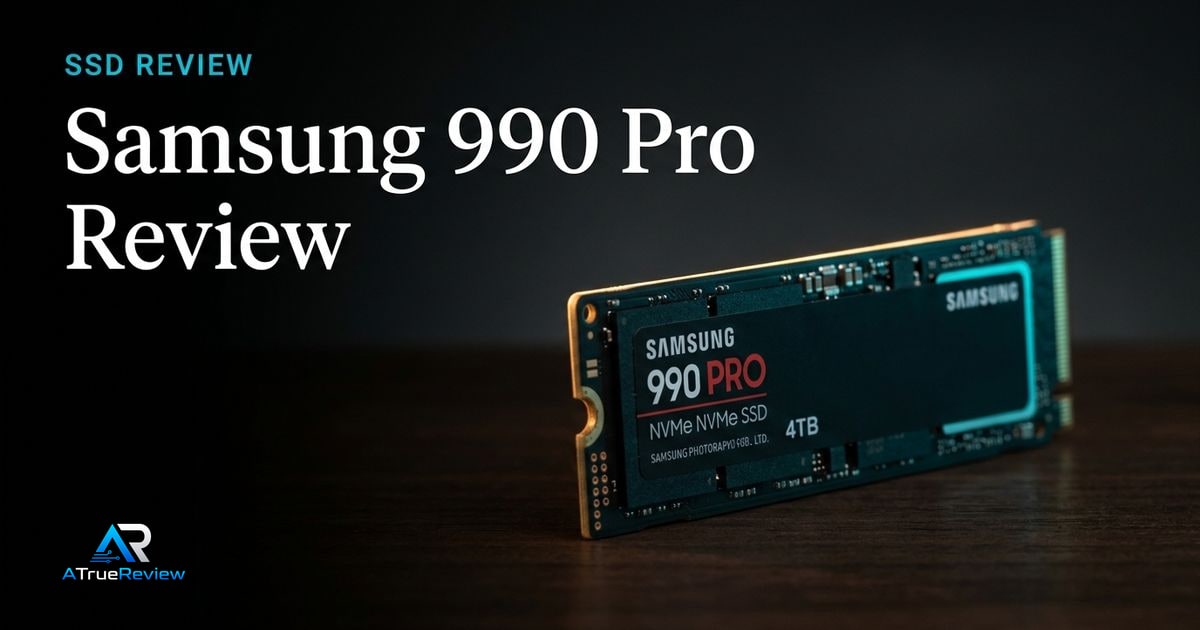
Featured review
Samsung 990 Pro Review
A review of the Samsung 990 Pro, focused on PCIe 4.0 NVMe performance, power efficiency, thermal control, and whether the safe Gen4 flagship is still worth buying over Gen5 drives.
Read the review Our Method
NVMe speed, thermals, and capacity
A category page for readers choosing internal SSDs by PCIe generation, motherboard support, heatsink needs, sustained write behavior, capacity, console compatibility, and whether headline sequential speed matters for their workload.
Buyers narrowing between proven Gen4 NVMe drives, fast Gen5 drives, gaming storage, creator scratch disks, and practical upgrades from older SATA or low-capacity SSDs.
Keep the tone calm and decisive so the hub feels like a navigation layer, not a spec dump.
Featured review
A review of the Samsung 990 Pro, focused on PCIe 4.0 NVMe performance, power efficiency, thermal control, and whether the safe Gen4 flagship is still worth buying over Gen5 drives.
Read the review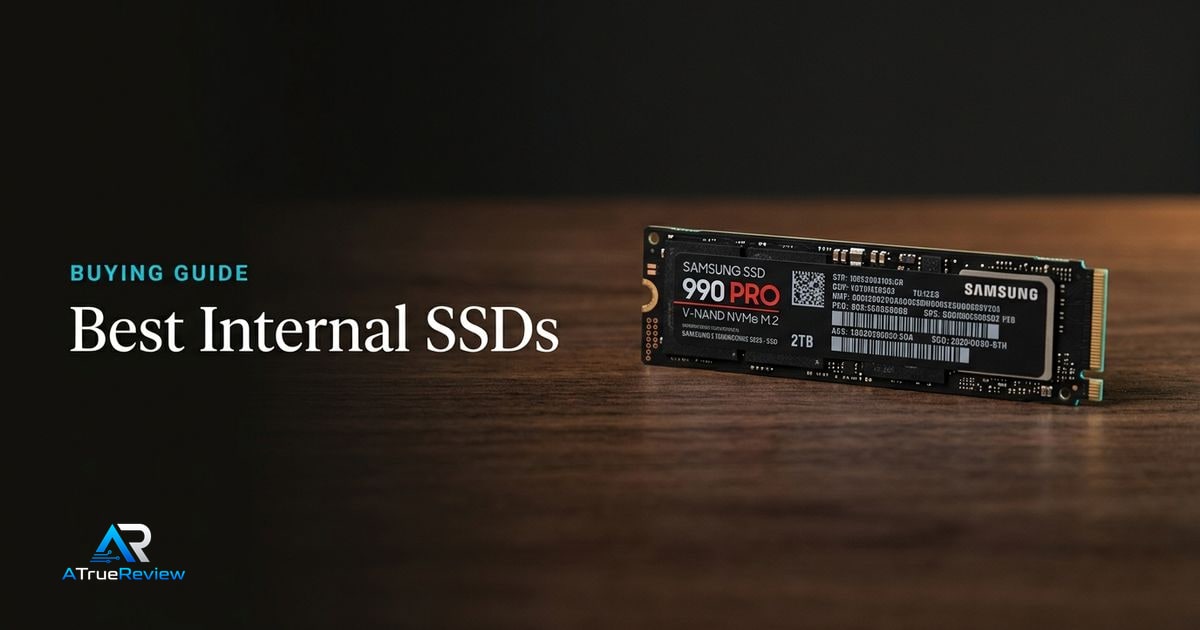
Lead guide
A buying guide for internal SSDs, focused on PCIe generation, M.2 compatibility, heatsink needs, capacity, sustained write behavior, laptop/desktop fit, console support, and when Gen5 speed is worth the extra complexity.
Open the guideCategory frame
Internal SSD buying is no longer just about replacing a hard drive. Modern buyers need to know whether their motherboard supports the drive’s PCIe generation, whether the slot has a heatsink, and whether their workload benefits from Gen5 speed or simply needs more reliable capacity.
Picks on this page weigh compatibility, endurance, thermal behavior, and real workload fit more heavily than headline sequential-speed numbers.
Use this page to narrow the storage problem before jumping into one SSD review or a broader shortlist.
This category is most useful when the builder already knows the platform and now needs to avoid buying storage speed that the slot, heatsink, or workload will not capitalize on.
This is the cleaner way to buy an SSD. Do not ask which drive posts the biggest sequential-speed number. Ask which one the slot, heatsink, and real workload can actually turn into a noticeable upgrade.
Storage research is usually the wrong next step when:
In those cases, the better move is often fixing the actual platform or workflow bottleneck before paying for storage numbers that do not change the real experience.
For a product-level buying verdict, start with the Samsung 990 Pro review. For shortlist logic across the category, open best internal SSDs. SSD performance also depends on motherboards for PCIe generation and M.2 lane sharing, desktop memory when balancing storage and RAM upgrades, PC cases for airflow around hot Gen5 drives, and the wider computing hub when the full build still needs shaping.
Reviews in this category
Category pages should help readers move from general interest into a smaller set of decisive editorial calls.