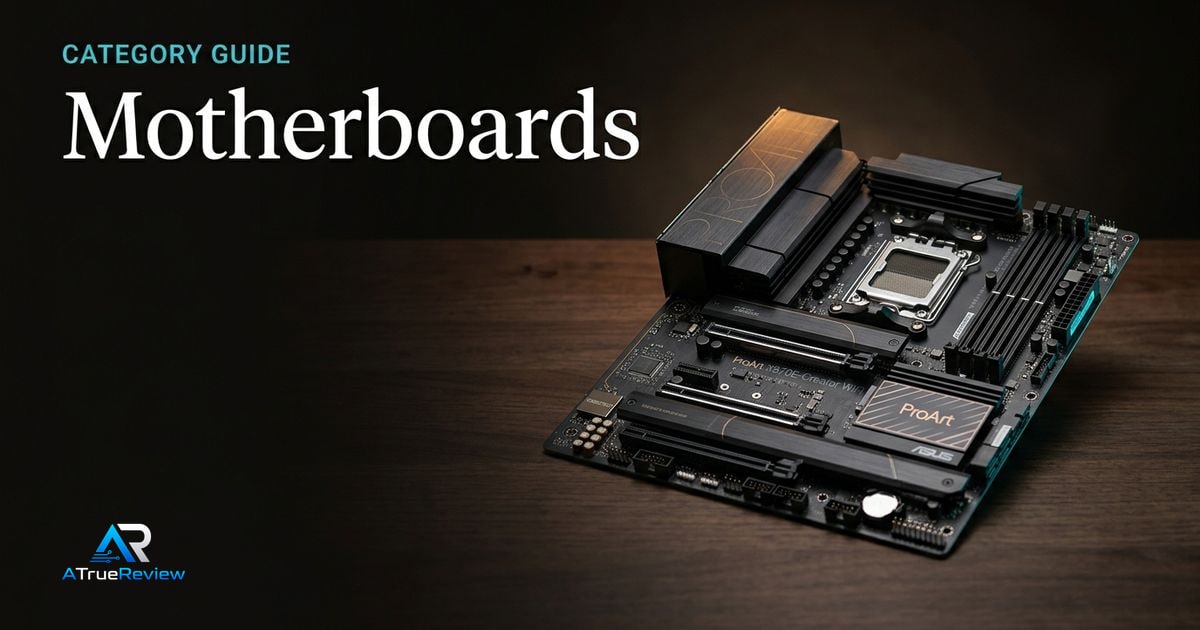
Motherboard buying should start with the platform decision. The board determines CPU support, memory support, expansion layout, storage options, rear I/O, internal headers, and how painful the build will be when the GPU, cooler, SSDs, and front-panel cables all meet in one case.
Picks on this page weigh stable firmware, clear lane sharing, useful connectivity, accessible latches, realistic memory support, and long-term CPU upgrade logic more heavily than the chipset name on the box.
How to use this motherboard category
Use this page to narrow the motherboard problem before dropping into a single review or buyer guide.
- Start here if the real question is AM5 versus Intel LGA1851, creator connectivity versus gaming value, or mainstream chipset versus flagship board.
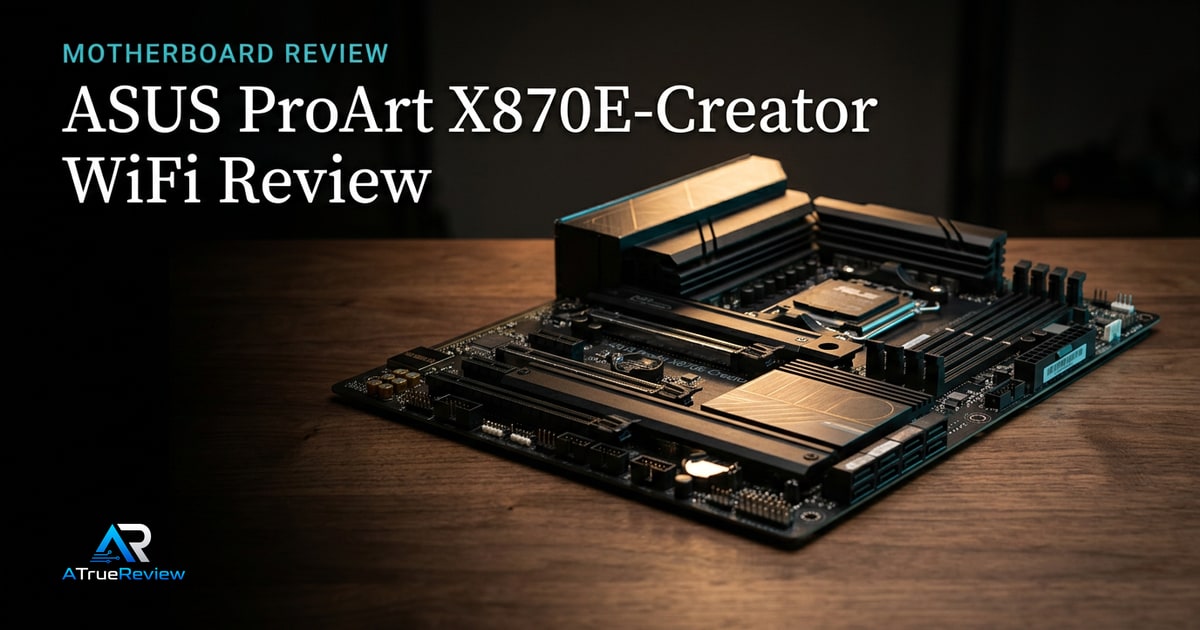
- Move to the featured review when one specific board looks like the right fit and the remaining questions are about its lane sharing, I/O mix, or platform tradeoffs.
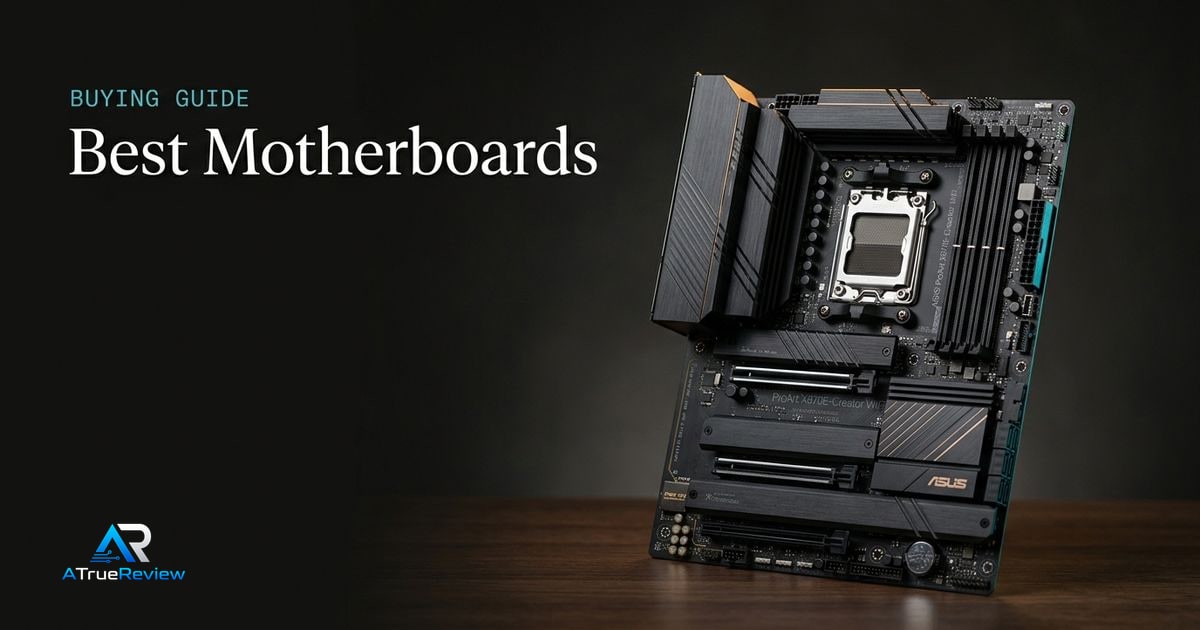
- Move to the best-of guide when the buyer still needs the shortlist logic across AMD and Intel instead of a product verdict on one board.
- Cross into the adjacent hardware categories when the real constraint is RAM compatibility, SSD planning, cooler clearance, or GPU fit rather than the motherboard itself.
This category is most useful when the builder already knows the CPU class and now needs to avoid wasting money on the wrong board tier.
This is the cleaner way to buy a motherboard. Do not ask which board looks most premium on the box. Ask which one quietly fits the platform, storage, memory, and expansion needs of the build without adding dead-cost features.
When a motherboard category is not the answer
Motherboard research is usually the wrong next step when:
- the current build already has the right socket and the real upgrade need is RAM, storage, cooling, or GPU power
- the buyer is paying for premium USB4, 10Gb Ethernet, or Gen5 extras that the workflow will never use
- the system problem is BIOS setup, EXPO/XMP tuning, or cable and airflow layout rather than the board itself
- the budget is tight enough that moving money into the CPU or graphics card will change performance more than a board swap
- the builder is replacing a board only because the chipset badge looks old, not because the current board lacks a needed feature
In those cases, the better move is often fixing the actual bottleneck or staying on the current board until the next full platform change.
Where to narrow next
For a product-level buying verdict, start with the ASUS ProArt X870E-Creator WiFi review. For shortlist logic across the category, open best motherboards. Motherboards also connect directly into desktop memory for EXPO/XMP and QVL decisions, internal SSDs for M.2 generation and lane sharing, graphics cards for PCIe slot and clearance planning, CPU coolers for socket and RAM clearance, and the wider computing hub when the buyer is still shaping the whole build.