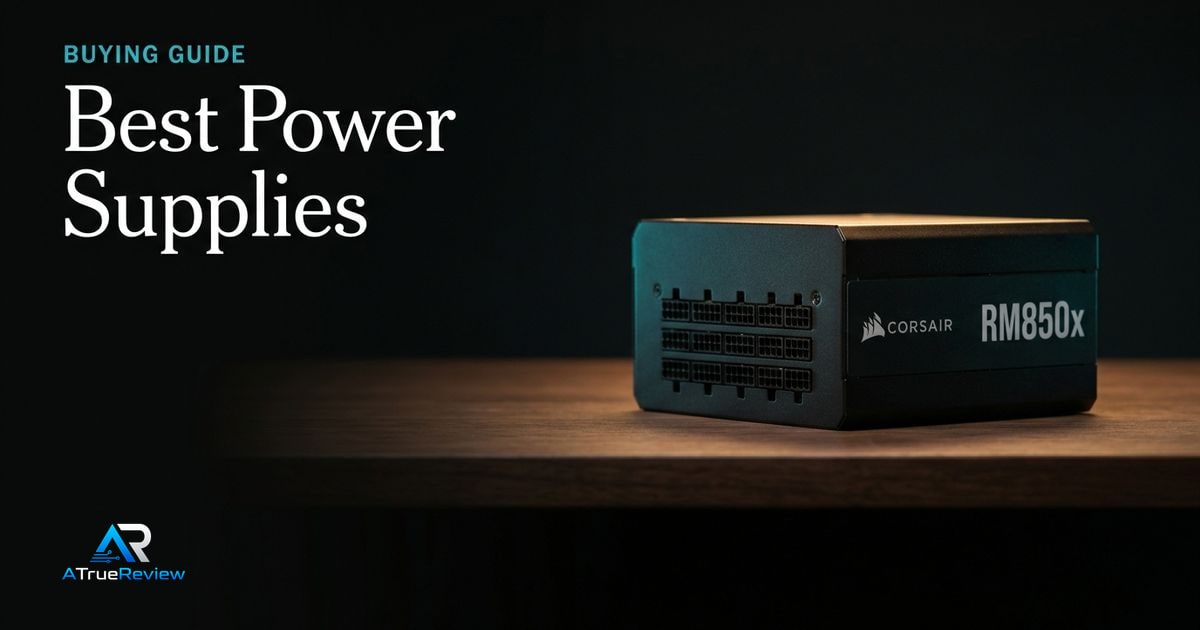
Power supply recommendations should start with the build, not a wattage flex. The right PSU has enough capacity for the CPU and GPU, the correct native GPU cable, a case-compatible cable layout, strong protection behavior, and noise levels that match the system goal instead of just advertising a bigger number on the box.
A clean power-supply decision tree
Before buying, make these decisions in order:
- Decide what CPU and GPU the system is actually powering, including the likely next upgrade.
- Decide how much wattage headroom is needed for transient spikes rather than just average gaming load.
- Decide whether the build needs ATX 3.1 and a native 12V-2x6 cable or can stay on older connector assumptions.
- Decide whether case depth and cable clearance favor a compact rear-modular PSU or allow something like a side-connector design.
- Decide whether the priority is mainstream value, very quiet acoustics, or higher-efficiency premium behavior.
- Confirm every connector need up front: PCIe, EPS, SATA, and any region- or model-specific cable differences.
That sequence is more useful than buying the biggest wattage number in budget. Most PSU regret comes from fit, connectors, or bad build matching, not from being 50 watts short on paper.
What each PSU has to prove before you pay
- The Corsair RM850x SHIFT has to prove that the case really has the side clearance to benefit from the cleaner cable layout, not just tolerate it.
- The Seasonic FOCUS GX ATX 3.1 has to prove that a compact, conventional layout is the better answer than chasing cosmetic cable advantages.
- The be quiet! Straight Power 12 has to prove that quieter Platinum behavior matters enough to justify paying more and checking region-specific connector details carefully.
This is the clean way to buy a PSU. The unit is not there to win a spec-sheet argument. It is there to disappear into the build and remove future power, connector, and cable-routing mistakes.
Why Corsair RM850x SHIFT leads the mainstream slot
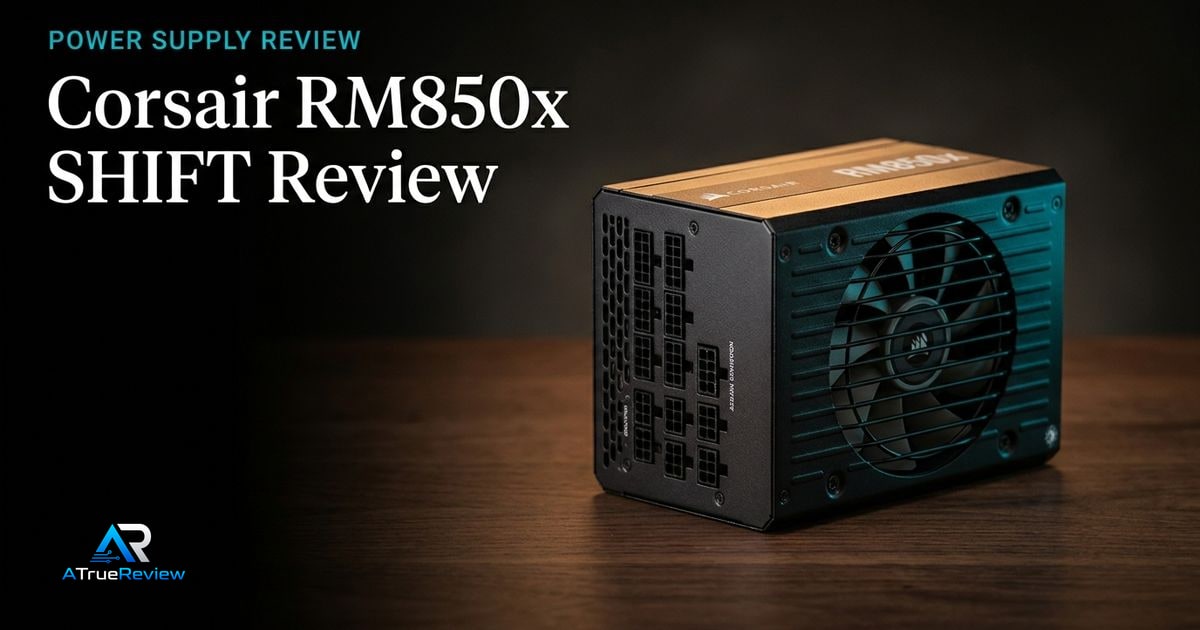
The Corsair RM850x SHIFT is the cleanest first recommendation because it combines mainstream 850W capacity with ATX 3.1 certification, PCIe 5.1 compliance, native 12V-2x6 GPU cabling, fully modular Type-5 connectors, Cybenetics Gold efficiency, an A+ noise rating, Zero RPM mode, and a 10-year warranty.Corsair
The caveat is physical fit. Corsair says the side-mounted connector layout needs 30mm of clearance between the PSU and side panel, so this is not the right default for every case.
Why Seasonic FOCUS GX ATX 3.1 is the compact Gold pick
The Seasonic FOCUS GX ATX 3.1 line is useful for builders who want modern standards in a compact PSU body. Seasonic lists 750W, 850W, and 1000W models with ATX 3.1 and PCIe 5.1 compliance, 12V-2x6 cabling, 80 PLUS Gold certification, fully modular cabling, 140mm depth, a 135mm fan, and a 10-year warranty.Seasonic
That makes it a sensible alternative when case fit and conventional rear modular cabling matter more than Corsair’s side connector layout.
Why be quiet! Straight Power 12 is the quiet Platinum option
The be quiet! Straight Power 12 line is the premium quiet candidate. be quiet! lists 750W to 1500W models, 80 PLUS Platinum efficiency, Silent Wings 135mm fan, modular cable management, Japanese 105C capacitors, a high-performance 12V rail, and a 10-year warranty.be quiet!
The buyer needs to check the exact model and region because be quiet!‘s own page notes ATX 3.0/3.1 and PCIe 5.0/5.1 wording can vary by region.
What still needs hands-on validation
Before this guide becomes a final buyer page, the site should test load regulation, ripple, transient response, hold-up behavior, protection behavior, fan noise, cable temperatures, 12V-2x6 seating, zero-RPM behavior, case fit, and whether each unit’s included cables match the GPU and motherboard configuration.
When a new power supply is not the answer
A PSU upgrade is usually the wrong first move when:
- the current unit is already modern, correctly sized, and behaving normally
- the real issue is GPU power draw, case airflow, or cable management rather than the PSU itself
- the builder is guessing at wattage instead of checking actual system requirements
- the upgrade is being driven by fear rather than a connector, fit, age, or quality problem
- the system needs a broader rebuild more than a single premium PSU swap
In those cases, a better case layout, a more balanced component plan, or keeping the current unit until the next platform change will usually compound better than replacing a healthy PSU.
Where to go next
For a product-level buying verdict, start with the Corsair RM850x SHIFT review. For broader routing, use power supplies for the full category and the computing hub for the wider build stack. PSU decisions also pair naturally with best graphics cards for wattage and GPU connector needs, best PC cases for PSU length and cable clearance, best motherboards for EPS and expansion planning, and best CPU coolers when airflow is constrained.