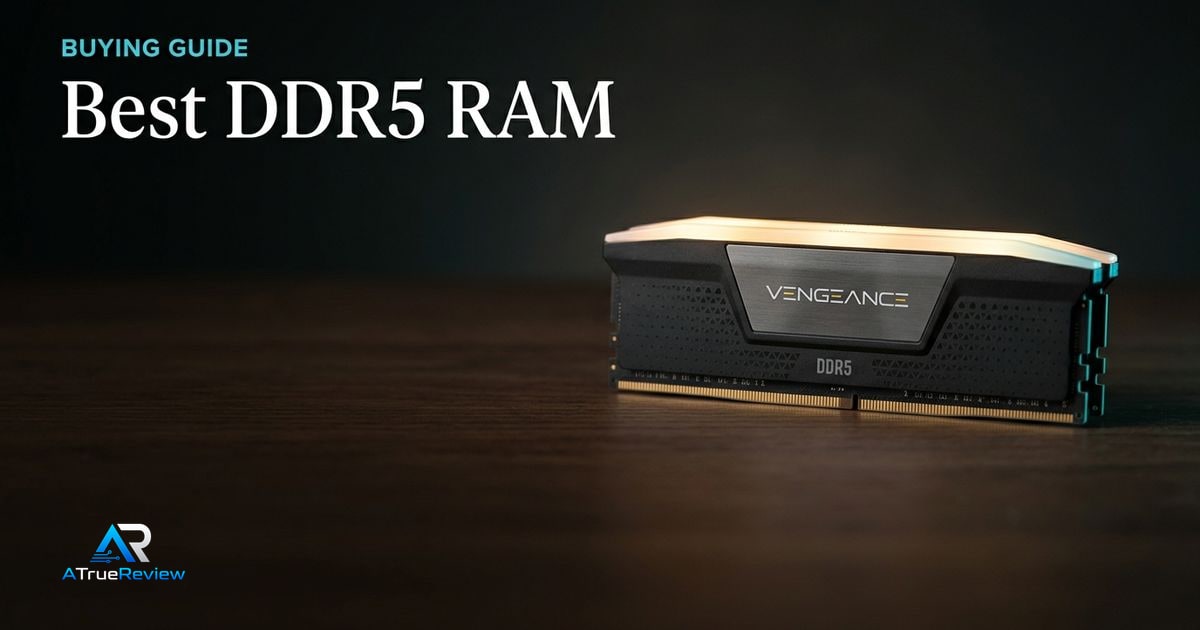
DDR5 RAM recommendations should start with the motherboard, not the memory brand. The right kit has to match the board, CPU memory controller, BIOS maturity, cooler clearance, and the buyer’s actual capacity need. The real buyer question is whether the kit solves a practical capacity or compatibility problem strongly enough to justify paying more for speed, RGB, or enthusiast tuning headroom.
A clean DDR5 decision tree
Before buying, work through this sequence:
- Check whether the motherboard takes DDR5 at all and whether the board QVL lists the exact kit or a close equivalent.
- Decide whether the real need is 32GB, 64GB, or more before paying for speed that does not solve the workload.
- Decide whether the platform is AMD EXPO, Intel XMP, or a dual-profile build where flexibility matters.
- Check cooler and case clearance before buying tall RGB modules.
- Decide whether the goal is first-boot stability or enthusiast tuning headroom.
- Match the kit to the platform, not to the marketing number.
For most buyers, a 32GB or 64GB matched kit at sensible DDR5 speeds is the clean answer. Extreme clocks only make sense when the board, BIOS, and CPU memory controller are strong enough to justify the extra validation.
Why Corsair Vengeance leads the mainstream slot
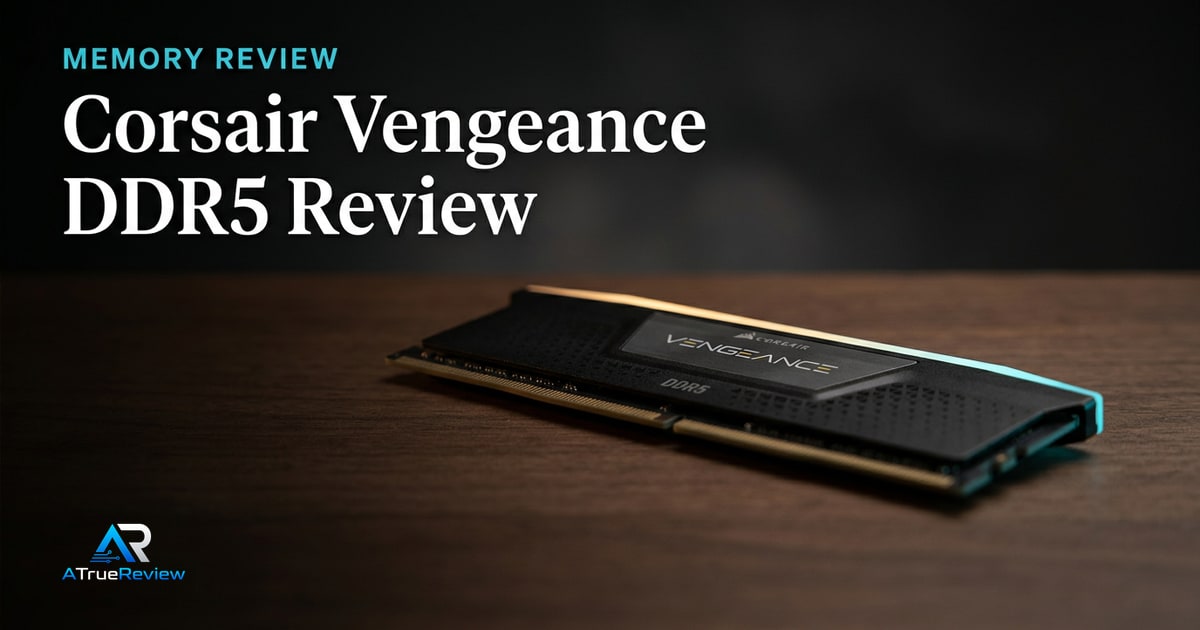
The Corsair Vengeance DDR5 6000MT/s CL30 kit is the safest first recommendation because it sits near the practical middle of modern DDR5 buying: 32GB, 2x16GB, DDR5-6000, CL30, and support for both AMD EXPO and Intel XMP profiles.Corsair
That makes it a cleaner default than extreme-speed kits for most gaming and productivity desktops, provided the motherboard and BIOS can run the profile.
Why Kingston FURY Renegade is the high-speed option
The Kingston FURY Renegade DDR5 RGB line is the speed-ceiling pick for readers who care about enthusiast memory tuning. Kingston lists UDIMM speeds up to 8000MT/s, CUDIMM speeds up to 8800MT/s, kit capacities up to 96GB, Intel XMP 3.0 certification, and a limited lifetime warranty.Kingston
That does not make it the automatic recommendation. It makes it the option for builders who will check motherboard qualification lists, BIOS support, and CPU memory-controller behavior.
Why G.SKILL Flare X5 is useful for AMD builds
The G.SKILL Flare X5 line is useful because it solves a practical build problem: AMD EXPO memory in a low-profile module. G.SKILL lists the Flare X5 series for DDR5-enabled AMD AM5 platforms, with tested speeds up to 6400MT/s in the product family, capacity options up to 256GB, and a 33mm module height.G.SKILL
That makes it the better fit when a large CPU air cooler or compact case matters more than RGB lighting.
What each DDR5 kit has to prove before you pay
Memory is easy to overspend on because bigger MT/s numbers look like free performance. The better move is to ask what each kit has to prove in the actual platform.
- Corsair Vengeance 6000 CL30 should prove that stable mainstream speed, broad compatibility, and low-profile fit matter more than chasing harder-to-run higher clocks.
- Kingston FURY Renegade should prove that the buyer actually wants enthusiast tuning and has the board and CPU memory controller to support it.
- G.SKILL Flare X5 should prove that low-profile EXPO fit and AM5 practicality matter more than RGB styling or a nominally faster headline spec.
If the buyer cannot clearly name the capacity, clearance, or stability problem the kit is supposed to solve, the better move is often buying the safer mainstream kit and moving on.
When DDR5 RAM is not the answer
RAM solves a capacity, compatibility, or bandwidth problem. It is usually the wrong purchase when:
- the system only feels slow because storage, thermals, or the GPU is the real bottleneck
- the buyer is paying for very high MT/s numbers on a board and CPU that will not run them stably
- the current platform is DDR4-only and would need a board and CPU change anyway
- the machine already has enough memory and the real issue is lack of SSD capacity or poor airflow
- the buyer plans to mix kits instead of buying one matched set for the target capacity
In those cases, the better move is often upgrading storage, cooling, the graphics card, or the full platform instead of chasing a memory spec that does not change the real bottleneck.
What still needs hands-on validation
Before this guide becomes a final buyer page, the site should test EXPO and XMP boot behavior, memory-training time, cold-boot reliability, MemTest stability, real gaming lows, creator workloads, 2-DIMM versus 4-DIMM behavior, cooler clearance, and current price-per-gigabyte.
Where to go next
For a product-level read, start with the Corsair Vengeance DDR5 review, especially if the buyer wants the safest mainstream DDR5 default instead of an enthusiast memory project. For broader routing, use desktop memory for the full category and the computing hub for the wider build stack. RAM decisions also pair naturally with best motherboards for QVL and firmware support, best CPU coolers for DIMM clearance, best internal SSDs when planning upgrades, and best graphics cards when gaming performance is GPU-limited.