

Laptops, desktops, monitors
Computing
Performance and setup guidance for people balancing power, ergonomics, and real work.
Keep the tone calm and decisive so the hub feels like a navigation layer, not a spec dump.
The strongest ownership story in mainstream laptops, but not the automatic battery-life or value winner.
Lead buying guide Best LaptopsPicks are built from manufacturer specifications, independent measurements, and credible reporting. Positions update when stronger evidence arrives or a product changes.
Categories
The hub should route readers into clean buying contexts.

Performance for real work
Laptops
Guidance for portable machines that need to balance longevity, repairability, workflow fit, and day-to-day comfort.
Open category
Shape, sensor, and control
Gaming Mice
A category page for readers choosing between ergonomic, symmetrical, ultra-light, and esports-focused gaming mice without turning every DPI claim into a buying reason.
Open category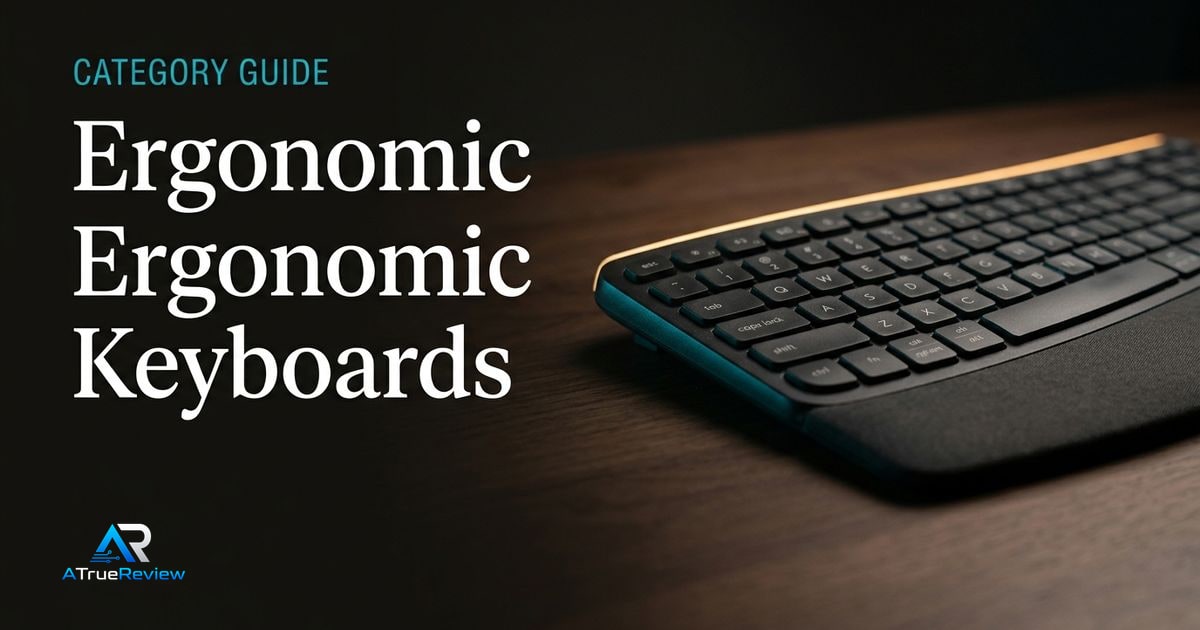
Posture, layout, and adaptation
Ergonomic Keyboards
A category page for readers choosing between familiar wave boards, fully split mechanical keyboards, and compact columnar layouts without pretending every ergonomic design fits every typist.
Open category
Airflow, clearance, and build quality
PC Cases
A category page for builders choosing PC cases by airflow path, GPU clearance, radiator support, cable routing, noise, aesthetics, and whether the chassis will still make sense after future upgrades.
Open category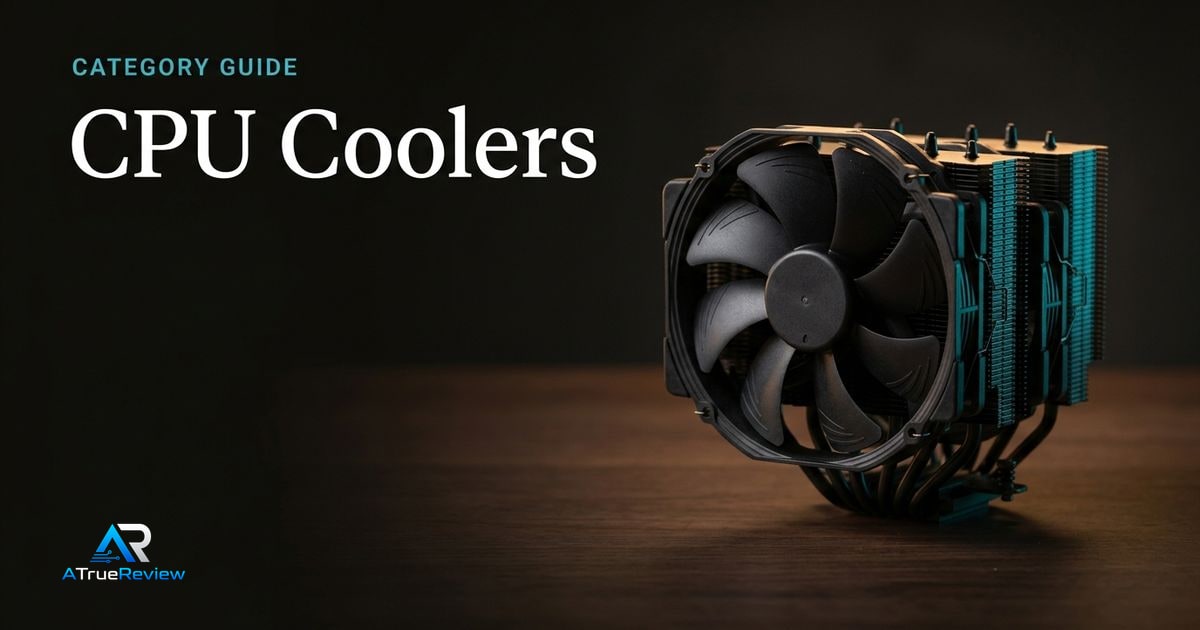
Thermals, noise, and clearance
CPU Coolers
A category page for builders choosing between high-end air coolers, 360mm AIOs, quiet workstation coolers, and practical fan/radiator tradeoffs before replacing half a PC.
Open category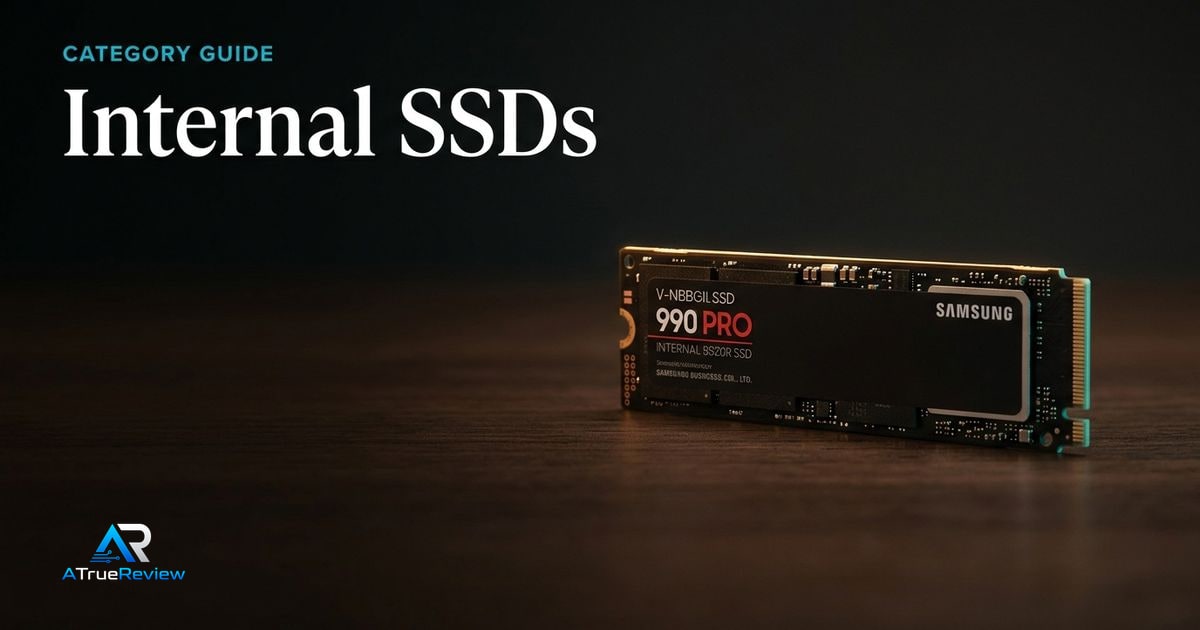
NVMe speed, thermals, and capacity
Internal SSDs
A category page for readers choosing internal SSDs by PCIe generation, motherboard support, heatsink needs, sustained write behavior, capacity, console compatibility, and whether headline sequential speed matters for their workload.
Open category
DDR5 speed, latency, capacity, and platform fit
Desktop Memory
A category page for readers choosing desktop RAM by DDR generation, motherboard support, capacity, channel layout, EXPO/XMP profile support, cooler clearance, and whether faster kits are worth the stability tradeoff.
Open category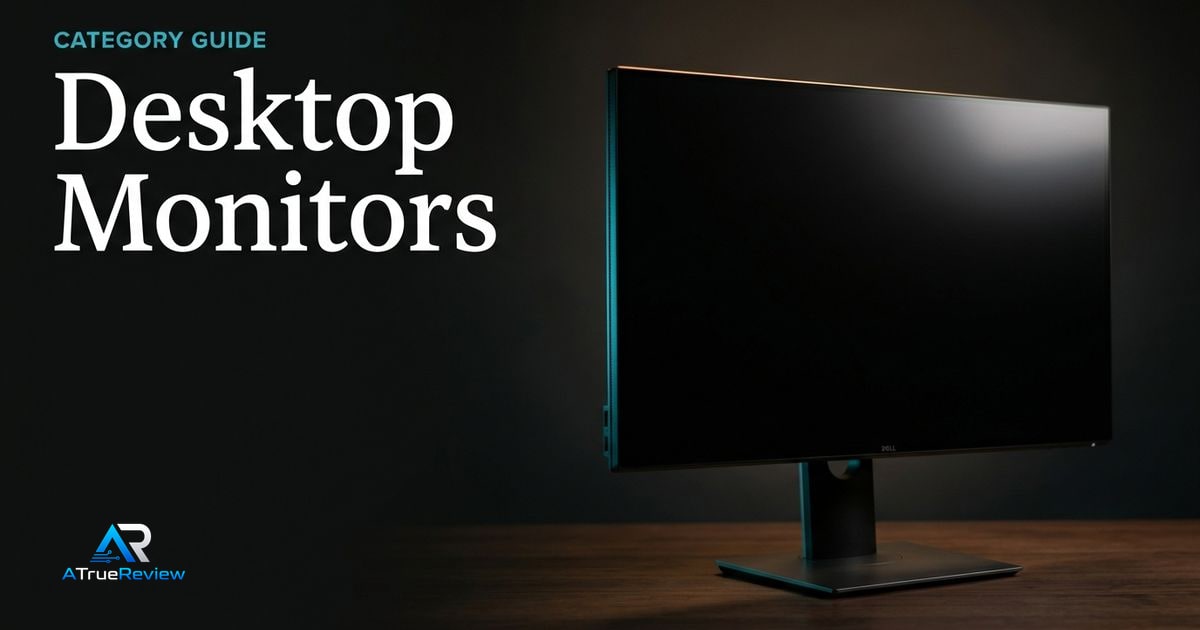
Resolution, ergonomics, ports, and panel fit
Desktop Monitors
A category page for readers choosing desktop monitors by size, resolution, panel type, refresh rate, stand ergonomics, USB-C or Thunderbolt docking, color coverage, HDR behavior, and desk fit.
Open category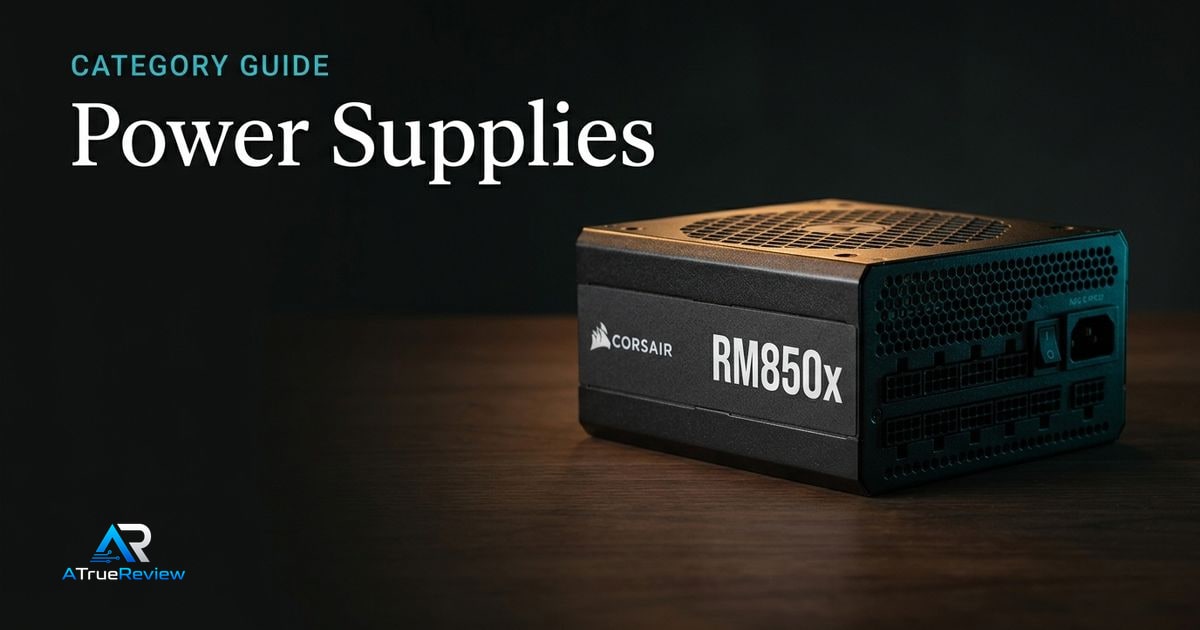
Wattage headroom, ATX 3.1, cables, and noise
Power Supplies
A category page for readers choosing PC power supplies by wattage headroom, ATX 3.1 and PCIe 5.1 support, native GPU cabling, efficiency certification, transient handling, modular cables, case fit, fan noise, and warranty.
Open category
Platform, slots, firmware, and expansion
Motherboards
A category page for readers choosing motherboards by CPU socket, chipset, VRM design, DDR5 support, PCIe layout, M.2 storage, USB4 or Thunderbolt, networking, BIOS maturity, QVL support, and build-friendly hardware.
Open category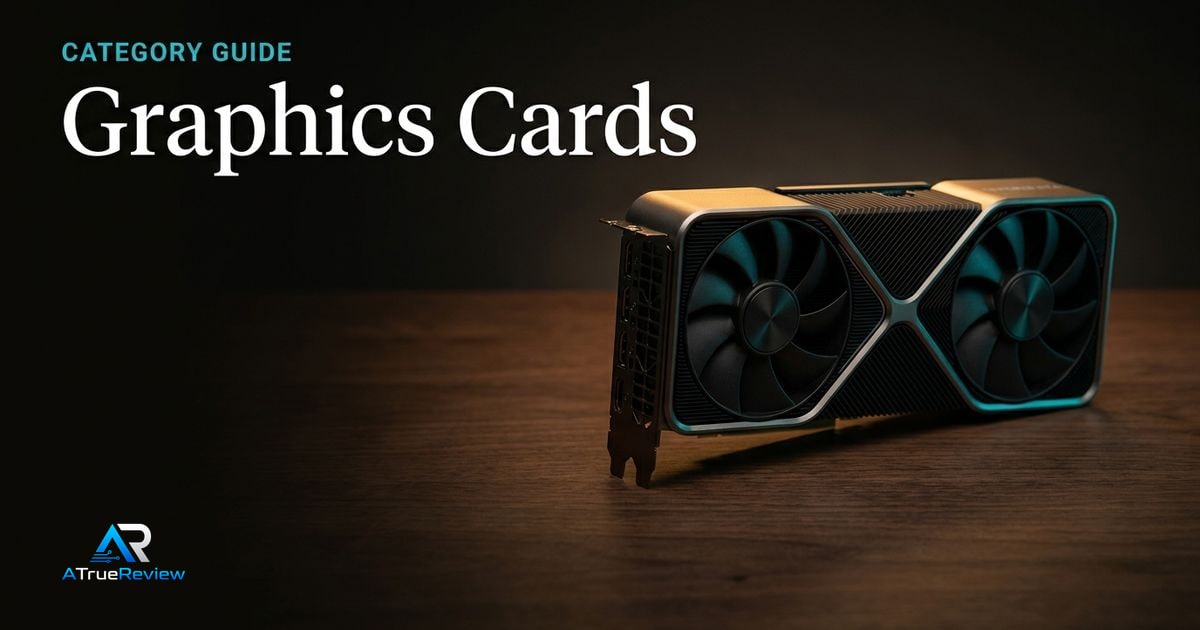
Resolution, VRAM, power, and platform features
Graphics Cards
A category page for readers choosing graphics cards by target resolution, VRAM, ray tracing, upscaling support, creator acceleration, display outputs, PSU requirements, case clearance, driver stack, and platform features.
Open categoryEditorial note
Every hub should feel like an opinionated desk, not a content warehouse.
How to use this computing hub
Use this hub when the buyer knows the purchase belongs somewhere in the desk, laptop, or PC-build stack but has not yet isolated the component or use case that matters most.
- Start here when the real choice is laptop versus desktop, comfort versus raw speed, display quality versus graphics horsepower, or whole-build balance versus one expensive part.
- Move to the featured review when one specific product already looks right and the remaining questions are about long-term ownership, fit, and tradeoffs.
- Move to the lead buying guide when the reader still needs a broad shortlist before dropping into one category.
- Move into the category pages when the decision has narrowed to a specific layer such as monitors, GPUs, storage, cooling, RAM, motherboards, or peripherals.
Where to narrow next
For a product-level read, start with the Framework Laptop 13 review. For shortlist logic, open best laptops. Then narrow into the highest-impact computing categories: graphics cards for gaming and creator acceleration, desktop monitors for screen quality and resolution fit, internal SSDs for storage speed and capacity, motherboards for AM5 and connectivity decisions, and laptops when the whole machine still needs shaping. The buying-guides hub is the faster path when the reader is already in shortlist mode.
Related guides
- Best Laptops A buying guide for mainstream premium laptops, focused on battery life, portability, repairability, ecosystem fit, and ownership tradeoffs.
- Best Gaming Mice A buying guide for gaming mice, focused on shape, weight, polling-rate tradeoffs, wireless performance, software friction, and matching the mouse to the player instead of chasing spec maximums.
- Best Ergonomic Keyboards A buying guide for ergonomic keyboards, focused on familiar wave layouts, true split boards, compact columnar designs, desk fit, software friction, and the adaptation cost behind each comfort promise.
- Best PC Cases A buying guide for PC cases, focused on airflow, clearance, radiator support, cable management, included fans, desk footprint, noise tradeoffs, and whether the chassis stays useful across upgrades.
- Best CPU Coolers 2026: Air vs Liquid Picks Air or liquid? Our top CPU cooler picks — Noctua NH-D15 G2, Arctic Liquid Freezer III, be quiet! Dark Rock Pro 5 — with a clear decision tree for case fit, noise, and socket support.
- Best Internal SSDs A buying guide for internal SSDs, focused on PCIe generation, M.2 compatibility, heatsink needs, capacity, sustained write behavior, laptop/desktop fit, console support, and when Gen5 speed is worth the extra complexity.
- Best DDR5 RAM 2026: Top Kits for AM5 & Intel Which DDR5 kit should you buy? Our picks — Corsair Vengeance 6000 CL30, Kingston FURY Renegade, G.SKILL Flare X5 — with EXPO/XMP, capacity, and latency guidance for AM5 and Intel builds.
- Best Monitors A buying guide for desktop monitors, focused on 4K productivity, creator color work, OLED gaming, refresh rate, USB-C or Thunderbolt docking, stand ergonomics, HDR claims, and desk fit.
- Best Power Supplies A buying guide for PC power supplies, focused on wattage headroom, ATX 3.1 and PCIe 5.1 support, native GPU cabling, efficiency, modular cables, acoustic behavior, protection features, and case compatibility.
- Best Motherboards A buying guide for motherboards, focused on platform choice, CPU socket, chipset, DDR5 support, PCIe layout, M.2 storage, USB4 or Thunderbolt, networking, BIOS maturity, QVL checks, and build-friendly hardware.
- Best Graphics Cards A buying guide for graphics cards, focused on target resolution, VRAM, ray tracing, upscaling, driver stack, display outputs, PSU requirements, case clearance, creator acceleration, and when flagship GPUs are overkill.