Verdict
The short version
A slow PC usually improves most when you remove avoidable load in the right order. Updates, storage cleanup, startup control, malware checks, and diagnostics still do more good than random 'optimizer' software.
 Our Method
 Evergreen maintenance guide
A practical slow-PC recovery guide built around the fixes that still matter most: restart properly, reclaim storage, cut startup clutter, check for updates, scan for malware, and separate software drag from real hardware limits.
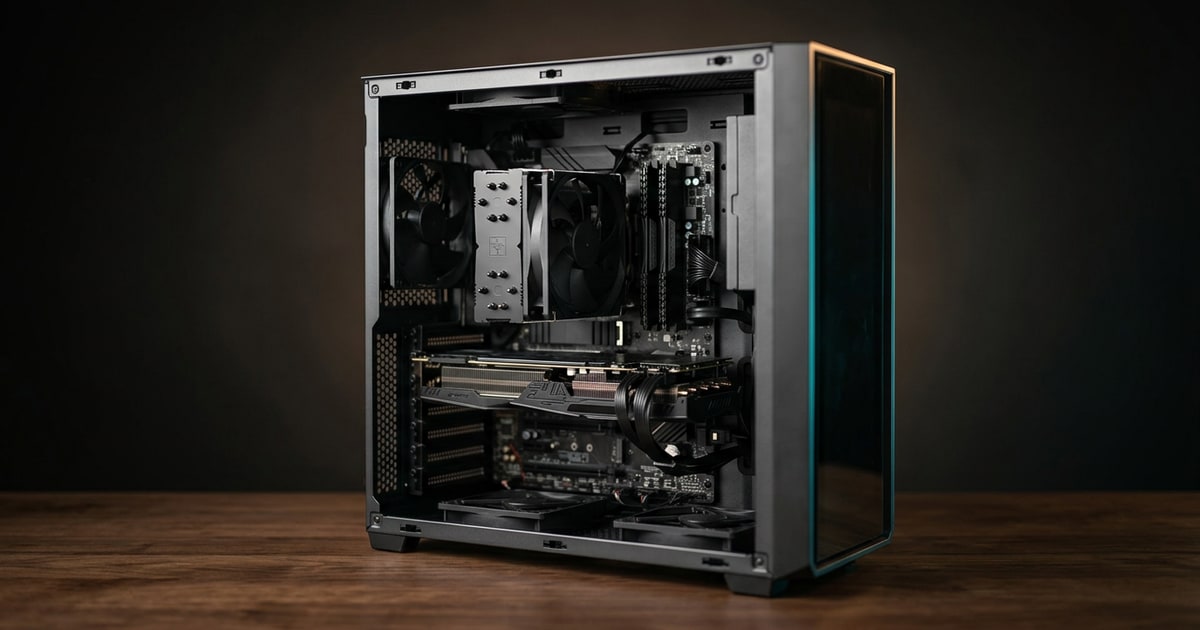
Verdict
A slow PC usually improves most when you remove avoidable load in the right order. Updates, storage cleanup, startup control, malware checks, and diagnostics still do more good than random 'optimizer' software.
Best for
People whose desktop or laptop still works but feels progressively slower, boots sluggishly, freezes under normal use, or bogs down under browser, office, and everyday multitasking.
Skip if
The computer is showing obvious hardware failure, repeated blue screens, no bootable device errors, or a failing drive. At that point you are beyond routine performance cleanup and into repair.
Key takeaways
The reason many slow PC guides are useless is that they present a pile of disconnected tips instead of a recovery order. The machine ends up cleaner in theory but not meaningfully faster in practice.
Microsoft’s current Windows guidance is still useful because it keeps coming back to the same durable causes:
Dell’s current performance troubleshooting says essentially the same thing from the OEM side, while adding hardware diagnostics and airflow checks so software cleanup does not become a blind spot.Tips to improve PC performance in Windows Troubleshoot and fix a Dell computer that is running slow
That is the right frame for a slow PC recovery guide. Fix the easy weight first. Then decide whether the machine is simply outmatched.
Dell still explicitly recommends a proper restart as an early step because long-running background processes and accumulated memory pressure can make a normal computer behave worse than its hardware deserves.Troubleshoot and fix a Dell computer that is running slow
That sounds embarrassingly basic, but it matters because many people troubleshoot a system that has been limping along under the same workload state for days or weeks.
If a restart makes the system feel normal again, the problem was probably load management, not a dying motherboard.
Microsoft’s current performance checklist is still the cleanest mainstream order:
That order works because it attacks both software rot and background waste without pushing people into dangerous tinkering.Tips to improve PC performance in Windows
The most common own-goal here is skipping startup cleanup. Dell’s current performance pages still emphasize startup programs because they can drag both boot time and the first several minutes of system responsiveness after login.Make Your Computer Faster: Boost Performance and Speed Up Your PC
Low storage is one of the least glamorous and most common reasons a machine feels miserable.
Microsoft still recommends Storage Sense, temporary-file cleanup, and general storage recovery because the operating system needs space to work with updates, caches, temp files, and routine background maintenance.Tips to improve PC performance in Windows
Dell makes the same point more bluntly: performance deteriorates when the system is crowded by old software, clutter, or storage conditions that no longer leave comfortable working room.Make Your Computer Faster: Boost Performance and Speed Up Your PC
If the drive is nearly full, you are not testing the machine fairly.
If the PC still feels bad after the obvious cleanup, open Task Manager and check:
That is where “the computer is just old” often turns into something more specific:
Microsoft’s current guidance still points users here because resource visibility is better than superstition.Tips to improve PC performance in Windows
Task Manager is useful only if you turn the evidence into a decision:
This keeps the recovery plan honest. You are no longer asking whether the PC is “slow” in general. You are identifying which part of the system is saturated.
For some systems, Windows power mode also matters. Microsoft still documents the tradeoff directly: Best performance increases responsiveness but costs more power and heat, while more conservative modes protect battery life.Change the power mode for your Windows PC
On the hardware side, Dell keeps returning to airflow and diagnostics for a reason. Dust, hot intake conditions, or failing hardware can make any software cleanup feel fake because the machine is throttling or struggling under physical limits.Troubleshoot and fix a Dell computer that is running slow
If the system is loud, hot, and slow together, treat that as a clue, not a coincidence.
A good recovery plan does not promise that every computer can feel new again.
After updates, cleanup, startup trimming, malware checks, and a sanity check on heat and diagnostics, the remaining possibilities are usually simpler:
That is the point where an SSD, more memory, or replacement becomes the honest answer instead of another round of shallow tweaks.
If the slow-PC checks point to hardware, use internal SSDs for storage bottlenecks, desktop memory for memory pressure, CPU coolers for heat and throttling, and graphics cards when games or creative apps are GPU-limited rather than generally slow.
The right slow computer fix is still a disciplined sequence, not a magic utility. Restart, update, scan, clean, trim startup, check resource usage, and only then judge the hardware. That order either makes the machine noticeably better or proves that you are no longer dealing with a maintenance problem at all.
FAQ
Start with a real restart, then check for updates, free storage space, reduce startup load, and scan for malware before changing hardware or buying software.
Yes. Startup apps increase boot time and continue consuming CPU, RAM, and background activity after sign-in, which can make the whole system feel slower.
If hardware diagnostics fail, the drive is unhealthy, the system overheats badly, or performance stays poor even after sensible cleanup and update work, the bottleneck is likely hardware.