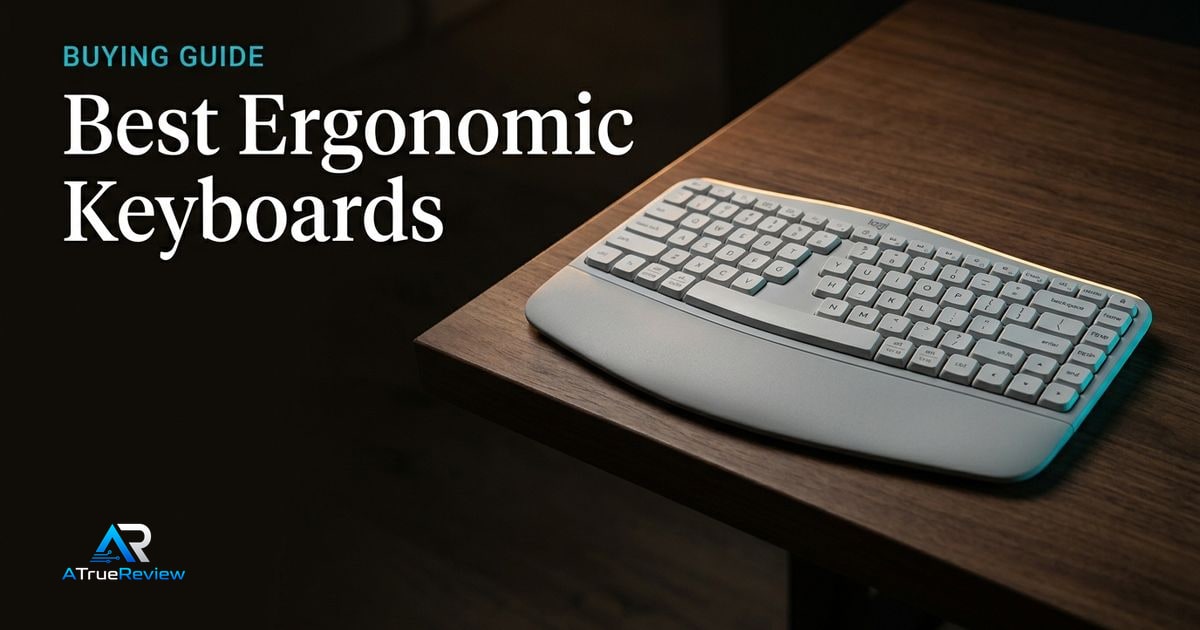
Ergonomic keyboard guides fail when they treat “comfortable” as one product category. A familiar wave keyboard, a split mechanical board, and a compact columnar keyboard all change posture in different ways and demand different levels of adaptation and patience.
A clean ergonomic-keyboard decision tree
Before buying, make these decisions in order:
- Decide whether the real need is a small comfort upgrade, a true split layout, or a deeper typing-system change.
- Decide whether the buyer wants to preserve a familiar row-staggered layout or is willing to learn columnar typing and layers.
- Decide whether the keyboard has to work in a shared office setup or can be a personal desk-only tool.
- Decide whether software remapping and firmware tinkering sound useful or annoying.
- Decide whether desk width, mouse reach, and portability matter as much as the typing experience.
- Confirm how much adaptation pain is acceptable, because the most ergonomic long-term board is not always the easiest short-term recommendation.
That sequence is more useful than chasing the most radical-looking board. Most ergonomic-keyboard regret comes from underestimating the adaptation cost or overbuying customization that never gets used.
What each ergonomic keyboard has to prove before you pay
- The Logitech Wave Keys for Business has to prove that a small comfort upgrade is the real need, not a deeper workstation or posture fix.
- The Keychron Q11 has to prove that the buyer will actually use true split positioning and programmability instead of bouncing off the heavier adaptation curve.
- The ZSA Voyager has to prove that layers, columnar typing, and a compact layout are a long-term investment the buyer genuinely wants, not just a fascinating rabbit hole.
This is the clean way to buy an ergonomic keyboard. Do not ask which one looks most “serious.” Ask which one you will still want to use after the adaptation tax arrives.
Why Logitech Wave Keys leads for most offices
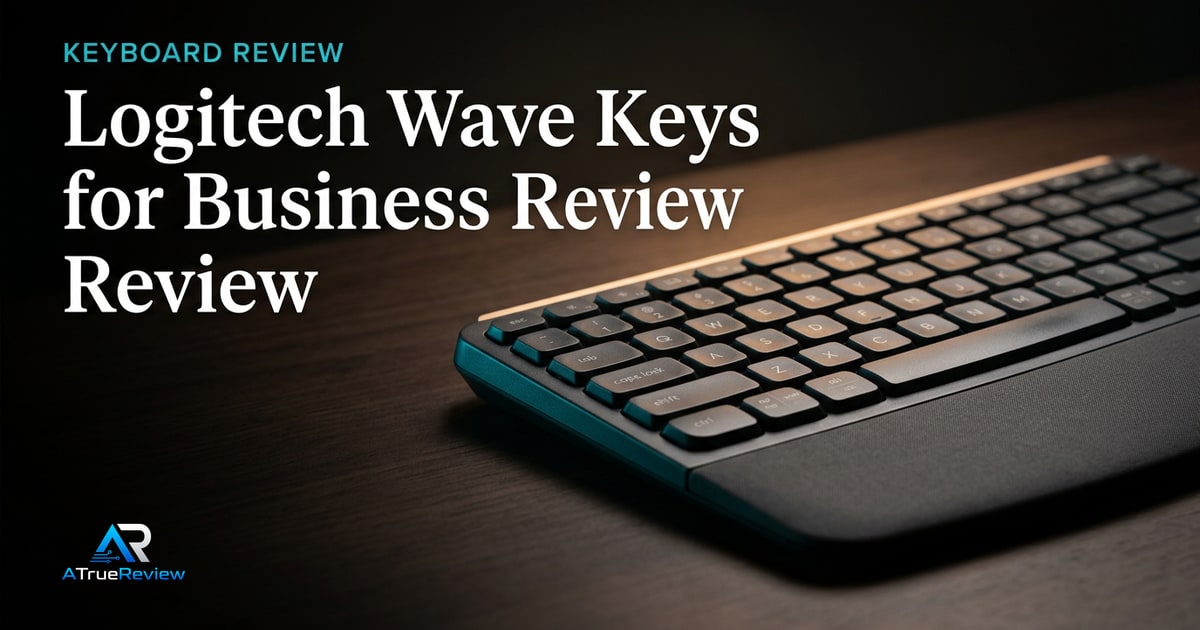
The Logitech Wave Keys for Business is the safest first recommendation because it asks the least from the user. Logitech positions Wave Keys around a wave design, compact layout, integrated cushioned palm rest, Logi Bolt, Bluetooth Low Energy 5.1, listed wireless range up to 10 meters in open line of sight, and a compact 376mm width.Logitech
That makes it the default for readers who want a comfort upgrade, not a hobby.
Why Keychron Q11 is the mechanical split pick
The Keychron Q11 belongs because it gives typists actual split positioning while preserving a more familiar mechanical-keyboard experience. Keychron describes the Q11 as a 75% layout split keyboard with a full metal body, QMK/VIA support, and the ability to position each half independently or use the halves together with a bridge cable.Keychron
That is a better fit for mechanical-keyboard users who want shoulder-width freedom but are not ready for a 40-60 key columnar board.
Why ZSA Voyager is the power-user pick
The ZSA Voyager is the most demanding recommendation in this shortlist. ZSA positions it as a low-profile, compact, 52-key split ergonomic keyboard with hot-swappable switches, a columnar layout, QMK firmware, Oryx layout editing, Keymapp support, and cross-platform operation with the keyboard’s layout stored on the board.ZSA
That makes it powerful, but not casual. Voyager buyers should expect to learn layers and rebuild habits.
When an ergonomic keyboard is not the answer
An ergonomic keyboard is usually the wrong first purchase when:
- the real problem is chair height, monitor position, or poor desk posture rather than the keyboard itself
- the buyer already types comfortably and only wants novelty
- the workspace is shared and the adaptation curve would create more friction than relief
- the user is unwilling to relearn key positions, layers, or split spacing
- the budget would be better spent on a better chair, desk, wrist support, or mouse positioning
In those cases, fixing workstation setup or choosing a smaller comfort accessory will often move strain more than buying a radically different keyboard.
What still needs hands-on validation
Before this guide becomes a final buyer page, the site should test long typing sessions, wrist and shoulder posture, palm-rest comfort, switch feel, key noise, setup complexity, remapping workflow, desk footprint, mouse reach, travel practicality, and how long it takes to stop making layout mistakes.
Where to go next
For a product-level buying verdict, start with the Logitech Wave Keys review. For broader routing, use ergonomic keyboards for the full category and the computing hub for the wider desk-and-peripherals stack.