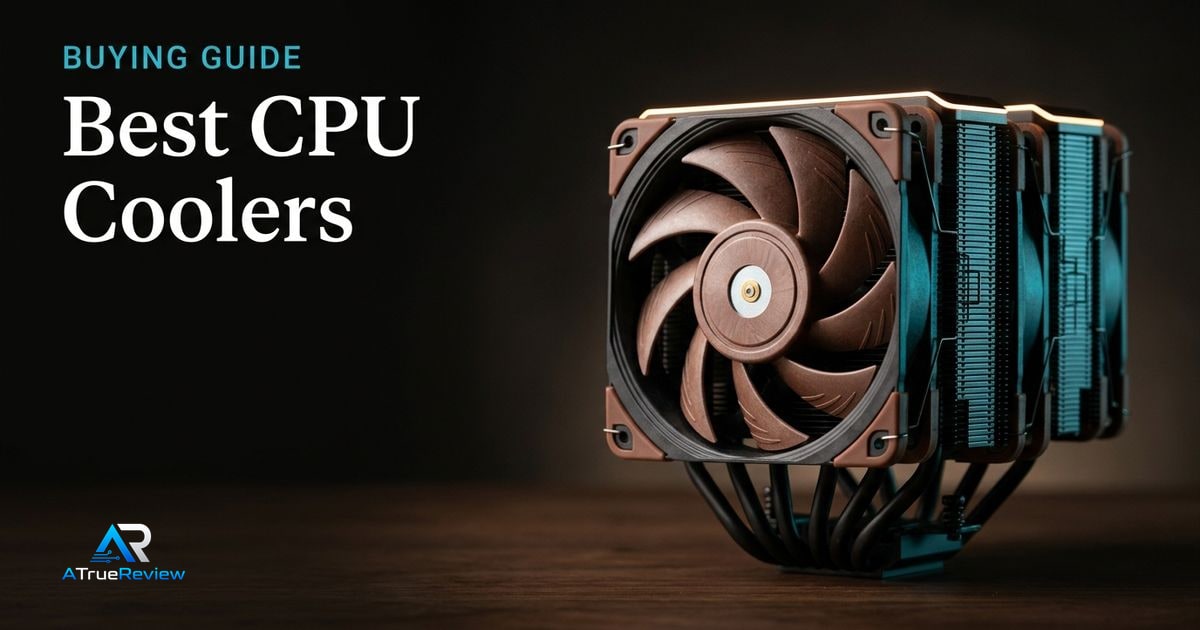
CPU cooler buying starts with constraints. The right cooler has to fit the case, clear the RAM, support the socket, handle the CPU’s heat load, and stay tolerable under noise. Air and liquid coolers can both be good answers when the build context is clear. The real buyer question is whether the cooler solves a real thermal or noise problem strongly enough to justify its size, complexity, or premium price.
A clean CPU-cooler decision tree
Before buying, work through this sequence:
- Check whether the case supports a 168mm air tower, a 240mm radiator, or a 360mm radiator.
- Decide whether the build priority is lowest long-term risk, lowest noise, or maximum thermal headroom.
- Check RAM height and motherboard socket-area clearance before assuming a dual-tower cooler will fit.
- Decide whether the CPU will run at mainstream power levels or sustained unrestricted heavy loads.
- Decide whether you actually want to install and live with an AIO, including pump noise and radiator routing.
- Match the answer to the build, not to the brand.
A premium air cooler is the cleanest answer when the case and RAM support it. A 360mm AIO only makes sense when the case genuinely fits it and the workload is heavy enough to justify the added complexity.
Why NH-D15 G2 leads the air-cooling slot
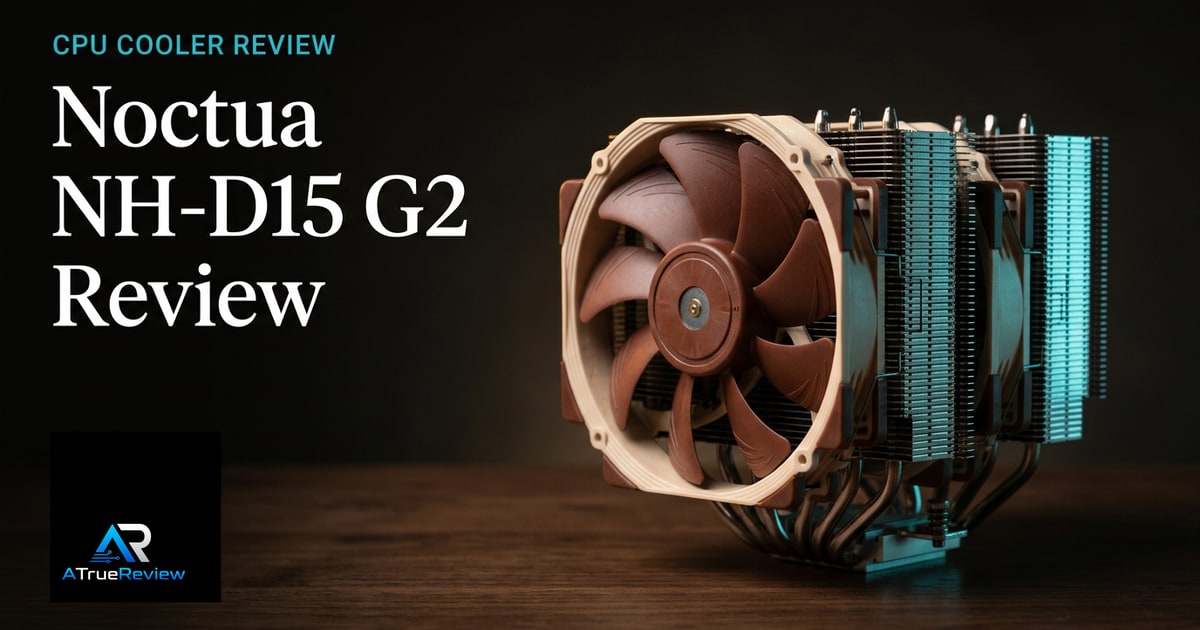
The Noctua NH-D15 G2 is the cleanest premium air-cooler pick because it updates a known dual-tower formula rather than chasing liquid-cooler theater. Noctua lists eight heatpipes, 20% more surface area than the original NH-D15, dual NF-A14x25r G2 PWM fans, 168mm total height, broad Intel/AMD socket support, and a six-year warranty.Noctua Noctua specs
That makes it the first recommendation for builders who want quiet high-end cooling without pump or radiator risk.
Why Arctic Liquid Freezer III Pro 360 is the liquid pick
The Arctic Liquid Freezer III Pro 360 is the liquid-cooling slot because Arctic’s product page combines practical details that matter: a 38mm radiator, integrated PWM-controlled VRM fan, Intel contact frame, offset mounting, reinforced EPDM tubing, pre-wired P12 Pro fans, MX-6 paste, and current AMD/Intel compatibility.Arctic
The catch is fit. A 360mm AIO only makes sense when the case has proper radiator support and the builder is comfortable with installation complexity.
Why Dark Rock Pro 5 is the quiet black-tower pick
The be quiet! Dark Rock Pro 5 is the restrained alternative for builders who want high-end air cooling without Noctua’s color language. be quiet! lists seven heatpipes, two Silent Wings PWM fans, quiet and performance speed modes, a 270W TDP rating, AM5/AM4/LGA1851/LGA1700 support, and low listed noise levels up to 23.3 dB(A).be quiet!
That makes it a sensible workstation-style recommendation where acoustics and appearance both matter.
What each cooler has to prove before you pay
Coolers are easy to overspend on because thermal charts hide fit and ownership costs. The better move is to ask what each cooler has to prove in the actual build.
- Noctua NH-D15 G2 should prove that quiet high-end air cooling and long-term reliability matter more than paying less for a good-enough tower or more for liquid theatrics.
- Arctic Liquid Freezer III Pro 360 should prove that the case, workload, and builder patience really justify a 360 mm AIO and its added complexity.
- be quiet! Dark Rock Pro 5 should prove that low-noise styling and restrained visuals matter more than simply buying the Noctua or a cheaper tower.
If the buyer cannot clearly name the thermal, clearance, or noise problem the cooler is supposed to solve, the better move is often fixing airflow or buying the simpler option.
When a CPU cooler is not the answer
A cooler solves a thermal and fit problem. It is usually the wrong purchase when:
- the current issue is dust buildup, bad fan curves, or dried thermal paste on otherwise adequate hardware
- the case has poor airflow and the builder is trying to fix a chassis problem with a more expensive cooler
- the CPU is not the bottleneck and gaming performance is really limited by the graphics card
- the build uses low-power parts that do not need premium cooling in the first place
- the buyer has not checked case height, radiator support, or RAM clearance yet
In those cases, cleaning the system, fixing airflow, repasting, or reallocating the budget into the GPU, case, or storage usually moves the build further than buying a premium cooler.
What still needs hands-on validation
Before this guide becomes a final buyer page, the site should test noise-normalized thermals, peak heat loads, installation difficulty, motherboard and RAM clearance, case fit, radiator hose routing, pump/fan acoustics, dust access, and how each cooler behaves after repeated mounting.
Where to go next
For a product-level read, start with the Noctua NH-D15 G2 review, especially if the buyer is weighing premium air simplicity against AIO cooling. For broader routing, use CPU coolers for the full category and the computing hub for the wider build stack. Cooler decisions also pair naturally with best PC cases for height and radiator fit, best DDR5 RAM for DIMM clearance, best motherboards for socket layout, and best power supplies when airflow and cable routing overlap.