PC case recommendations should be grounded in constraints. A case is good when it fits the hardware, cools it without drama, routes cables cleanly, keeps dust manageable, and does not become visually annoying after the build excitement fades or the first photo-posting week ends.
A clean PC-case decision tree
Before buying, make these decisions in order:
- Decide whether the build really needs a compact mid-tower, a conventional ATX case, or a larger chassis with upgrade headroom.
- Decide whether the real priority is airflow, radiator support, quieter acoustics, or calmer room aesthetics.
- Decide what GPU length, cooler height, PSU length, and radiator size the case must physically support.
- Decide whether the builder wants a standard internal layout or is comfortable with a more unusual airflow-first design.
- Decide whether the desk and room can actually handle the footprint, weight, and visual presence of the case.
- Confirm that cable routing, dust access, and serviceability matter after day one, not just during the first unboxing.
That sequence is more useful than chasing whichever case is trending. Most case regret comes from bad fit, awkward maintenance, or a chassis that looked exciting for one week and annoying after that.
What each case has to prove before you pay
- The Fractal North XL has to prove that the buyer really needs the extra clearance and wants the furniture-grade look badly enough to live with the larger footprint.
- The Corsair 4000D Airflow has to prove that a safe, known mid-tower is the better answer than paying more for style or experimenting with an unusual layout.
- The Lian Li Lancool 207 has to prove that its cooling-first compact layout fits the actual parts list without making the build or upgrades more awkward later.
This is the cleaner way to buy a case. Do not ask which chassis is coolest in photos. Ask which one will still feel correct after the GPU, cooler, PSU, and cable routing are all installed.
Why Fractal North XL leads for style plus clearance
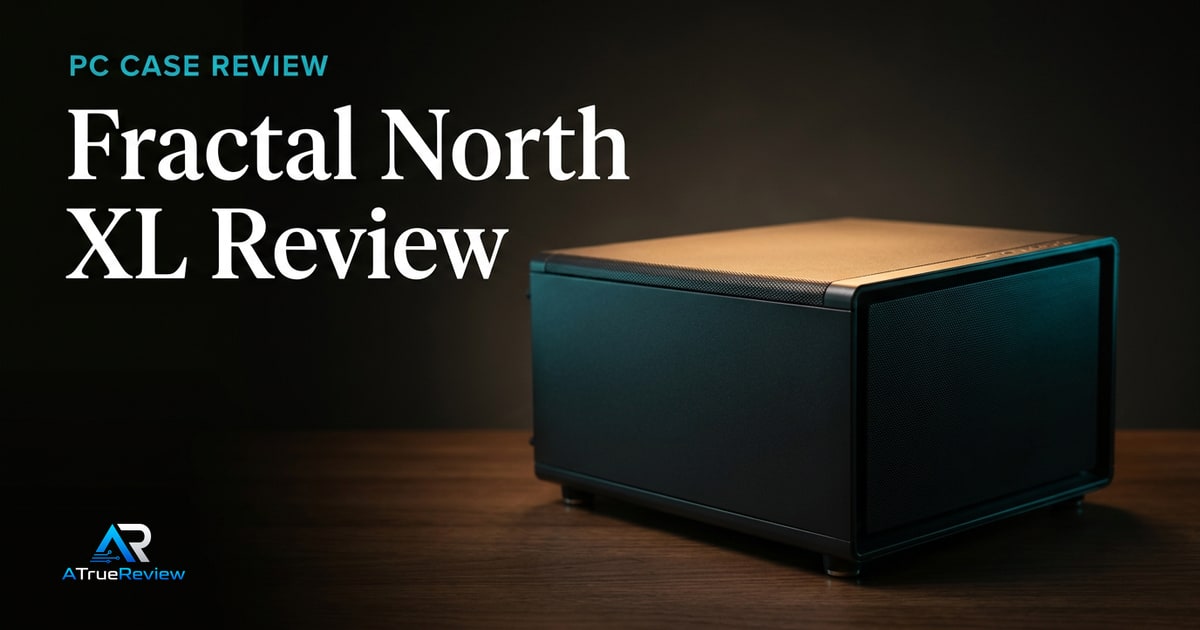
The Fractal North XL is the strongest first pick for builders who want a high-end case that still looks calm. Fractal lists FSC-certified oak or walnut front bars, alloy details, open front ventilation, a mesh top panel, three included 140mm Aspect PWM fans, GPU clearance up to 413mm, and radiator support up to 420mm in front or 360mm up top.Fractal Design
That combination makes it the best launch pick for builders who need real clearance but do not want a case that screams gaming hardware.
Why Corsair 4000D Airflow remains the safe mainstream option
The Corsair 4000D Airflow is the familiar mid-tower answer. Corsair’s support documentation says the 4000D/4000D Airflow chassis can fit up to six 120mm fans or four 140mm fans, with radiator support up to 360mm in front and 280mm in the roof.Corsair fan support Corsair radiator support
That makes it a safe default for standard ATX builds where the buyer wants airflow, a known layout, and fewer surprises.
Why Lancool 207 is the compact cooling pick
The Lian Li Lancool 207 is more interesting because it changes the layout. Lian Li describes it as an M-ATX-sized case with ATX compatibility, four included fans, ventilated front/top/bottom panels, a front-mounted PSU, direct GPU airflow from bottom fans, 360mm top radiator support, and GPU clearance up to 375mm.Lian Li
That makes it the shortlist’s airflow-value option for builders who are comfortable with a less traditional internal layout.
What still needs hands-on validation
Before this guide becomes a final buyer page, the site should test build access, included fan noise, GPU and CPU thermals, cable routing, dust-filter access, front I/O placement, radiator conflicts, side-panel fit, and whether each case stays easy to service after the first build.
When a new PC case is not the answer
A case upgrade is usually the wrong first move when:
- the real problem is a weak cooler, bad fan setup, or poor cable management inside an otherwise workable chassis
- the current case already fits the hardware and the buyer is mainly reacting to aesthetics envy
- the build bottleneck is the GPU, PSU, or motherboard rather than airflow or clearance
- the desk or room setup cannot comfortably accommodate a larger chassis
- the builder has not yet locked the parts list, so clearance needs are still guesses
In those cases, improving cooling layout, part selection, or desk setup will usually compound better than replacing a healthy chassis.
Where to go next
For a product-level buying verdict, start with the Fractal North XL review. For broader routing, use PC cases for the full category and the computing hub for the wider build stack. Case decisions also pair naturally with best graphics cards, best power supplies, best CPU coolers, and best motherboards because clearance and airflow only make sense against the parts inside the case.