Best for
Who should buy it
People who value longevity, ports that make sense, and the option to improve rather than replace.
 Our Method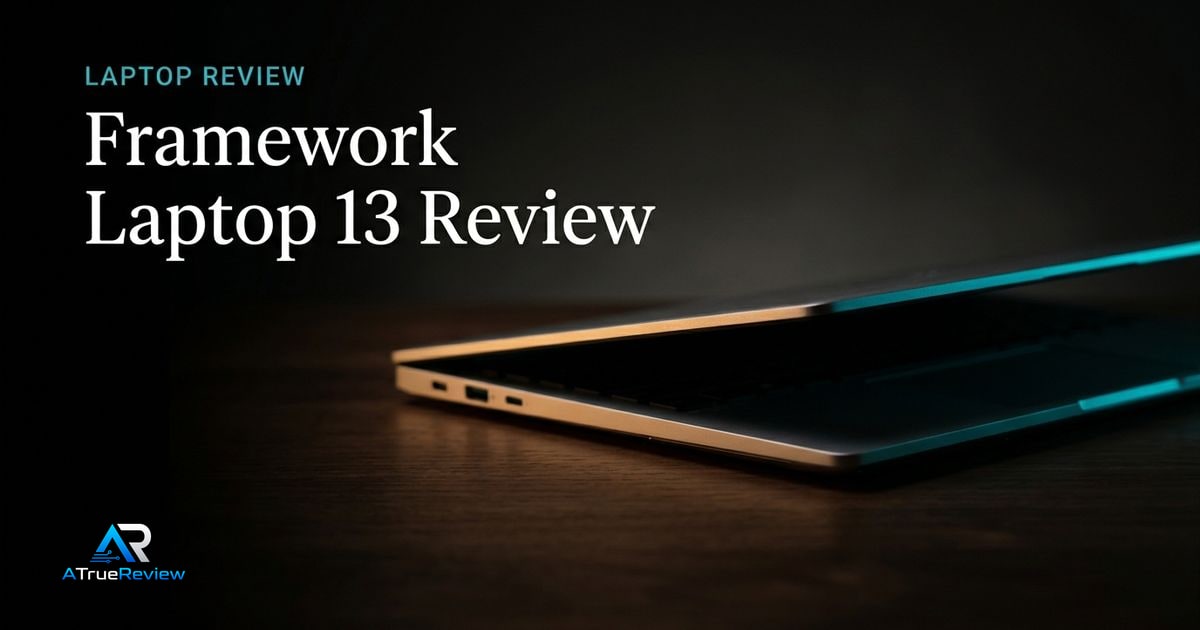
Laptop review
A review of the Framework Laptop 13, focused on modular repairability, upgrade paths, current Ryzen AI 300 tradeoffs, and whether ownership flexibility is worth paying for.
Verdict
Recommend with caveats
The strongest ownership story in mainstream laptops, but not the automatic battery-life or value winner.

Best for
People who value longevity, ports that make sense, and the option to improve rather than replace.
Skip if
You want the simplest sealed-appliance laptop, the best battery life per dollar, or a final hands-on score from this site.
Test window
Launch brief based on current third-party testing and Framework's repairability/upgrade model. Hands-on retesting is still required before final scoring.
Specs
Key findings
The Framework Laptop 13 is the cleanest test of a single question: does the right to repair, upgrade, and customize a laptop matter enough to accept some battery-life and price compromises in exchange? For most readers, the honest answer is “depends on whether you’d actually use any of those rights.” For some readers, it is “yes, obviously” — and for those readers, no other mainstream laptop is competitive.
This is not a luxury laptop. It is not the thinnest. It is not the longest battery life. What it is, uniquely in its class, is a laptop that does not become e-waste at the end of its first warranty cycle.
The strongest case is genuine ownership leverage. Tom’s Hardware’s review of the 2025 Ryzen AI 300 model describes strong productivity performance and deep configurability while flagging price and battery-life trade-offs. The Verge’s 2025 review focuses on what makes the platform unique: swappable mainboards, customizable ports, expandable memory and storage, and updated display options.
The repair and upgrade story is not marketing. The mainboard is replaceable as a single unit, RAM uses standard SO-DIMM modules, storage uses standard M.2 NVMe, every port is a swappable Expansion Card, and the keyboard, battery, and screen are all user-replaceable parts. iFixit gives the Framework Laptop 13 a 10/10 repairability score — unique in the laptop category.
The port flexibility is the second underrated win. Most laptops force the buyer to accept a fixed port set. Framework lets you pick four Expansion Cards from a catalog of USB-C, USB-A, HDMI, DisplayPort, microSD, Ethernet, and audio. For a laptop that has to plug into different docks, monitors, or studio gear depending on the day, that flexibility is genuinely useful.
That is the real commercial question. Framework does not need to beat sealed laptops on every metric; it needs to justify why a buyer should accept some battery-life and polish tradeoffs in exchange for control over the machine’s lifespan.
If the buyer expects to keep a laptop for years, upgrade storage or RAM, swap damaged parts, or change port needs over time, the ownership story can absolutely earn its cost. If the buyer treats laptops as sealed appliances and would never open the machine or replace a mainboard, the price premium is harder to justify against a MacBook Air or ThinkPad.
The Framework Laptop 13 is not the obvious laptop for everyone. Battery life trails the best sealed ultrabooks — Apple Silicon MacBook Airs remain ahead on battery-per-dollar, and that gap is unlikely to close. Configuring a complete system pushes the price into MacBook Air or Pro territory, which makes the trade-off more visible: ownership flexibility versus polish and battery life.
If you would never actually swap a port, upgrade RAM, or replace a mainboard, the Framework’s main value proposition is invisible to you — and you should buy something else.
— The honest framing
The webcam, speakers, and microphone are competent but not class-leading. The chassis is not the thinnest in its class — modularity has a thickness cost. Software polish and out-of-box driver experience are good but trail Apple’s deeply integrated stack and the largest OEMs’ enterprise tooling.
Before any final scoring, the site needs to test battery life, display quality (especially the 120 Hz option), keyboard feel, trackpad behavior, webcam quality, fan noise under sustained load, suspend/resume reliability, and the real total cost of a complete configuration versus mainstream alternatives.
The honest framing places Framework against three different competitors:
The MacBook Air M3 is the better default for buyers who want the simplest, longest-running, quietest sealed laptop. Apple wins battery life and software polish; Framework wins repairability and port flexibility. They are aimed at different buyers and the choice is not actually close once you know which buyer you are.
The ThinkPad X1 Carbon is the closer Windows-laptop comparison — premium business polish, mature service network, better keyboard. ThinkPad wins on out-of-box experience and enterprise IT comfort; Framework wins on long-term ownership cost.
The Framework Laptop 16 is the larger sibling for buyers who need more performance, an optional GPU module, or a 16-inch screen. Same philosophy, different size.
For shortlist context around that decision, the best laptops guide shows where Framework sits relative to safer sealed defaults, the laptops category narrows the notebook-only layer, and the wider computing hub helps buyers decide whether the real need is a new laptop, a better desk setup, or a broader workflow change. For office buyers building a complete desk around a laptop dock, the Dell UltraSharp U2725QE is a clean Thunderbolt hub-monitor pairing, the Logitech Wave Keys is the easy ergonomic keyboard pick, and the Bose QuietComfort Ultra handles the focus-and-call audio.
If you value ownership flexibility, repair, and the right to upgrade — and you will actually exercise those rights — the Framework Laptop 13 is the right answer in its class, and nothing else is close. If you want the simplest sealed appliance with the longest battery life and best software polish, the MacBook Air M3 is the honest answer. If you want premium business-laptop polish with strong enterprise support, the ThinkPad X1 Carbon fits.
The provisional verdict: the strongest ownership-first laptop on the market, contingent on whether the buyer actually values that ownership story enough to pay for it. Final score depends on battery life, build quality, and service-experience testing.
Verdict shape
Pros
Cons
Alternatives
FAQ
Genuinely upgradable. The mainboard is user-replaceable as a single unit; Framework has shipped board upgrades that keep the same chassis on multiple CPU generations. RAM uses standard SO-DIMM modules; storage uses standard M.2 NVMe drives. Every port is a swappable Expansion Card. iFixit rates the laptop 10/10 for repairability, which is unique in the category.
No. Sealed Apple Silicon ultrabooks remain ahead on battery life per dollar. The Framework on Ryzen AI 300 is competitive with mid-tier x86 ultrabooks but does not match a MacBook Air M3. If maximum battery life is the deciding factor, a MacBook is the honest answer. If ownership flexibility is, the Framework is.
Yes — and the Expansion Card system actually helps. You can configure the four ports to include the connectors your dock or monitor needs. For laptop docking specifically, the [Dell UltraSharp U2725QE](/reviews/dell-ultrasharp-u2725qe-review/) is a clean Thunderbolt-class hub-monitor pairing.
Yes, more so than most laptops. Framework lists officially supported distributions and engineers explicitly for Linux compatibility — Wi-Fi, fingerprint reader, sleep behavior, and power management are validated upstream. Fedora and Ubuntu are the smoothest first-time installs.
Ryzen AI 300 is the better all-around pick in 2026 — stronger CPU and graphics, comparable battery life, lower thermal-throttle risk. The Intel version makes sense if you specifically need Thunderbolt 4 (vs USB4) compatibility with very specific accessories, or if your IT department mandates Intel platforms.
Up to 96 GB of user-upgradable SO-DIMM DDR5.
The current models use AMD Ryzen AI 300 series chips, and it is also configurable with Intel Core Ultra.
Four swappable Expansion Card slots you choose from USB-C, USB-A, HDMI, DisplayPort, microSD, Ethernet, or an audio jack.
iFixit rates it 10/10, with every major part user-replaceable, including RAM, storage, keyboard, and ports.
A 61 Wh battery (larger options listed) and a 13.5-inch 2256x1504 3:2 matte display with an optional 120 Hz panel.