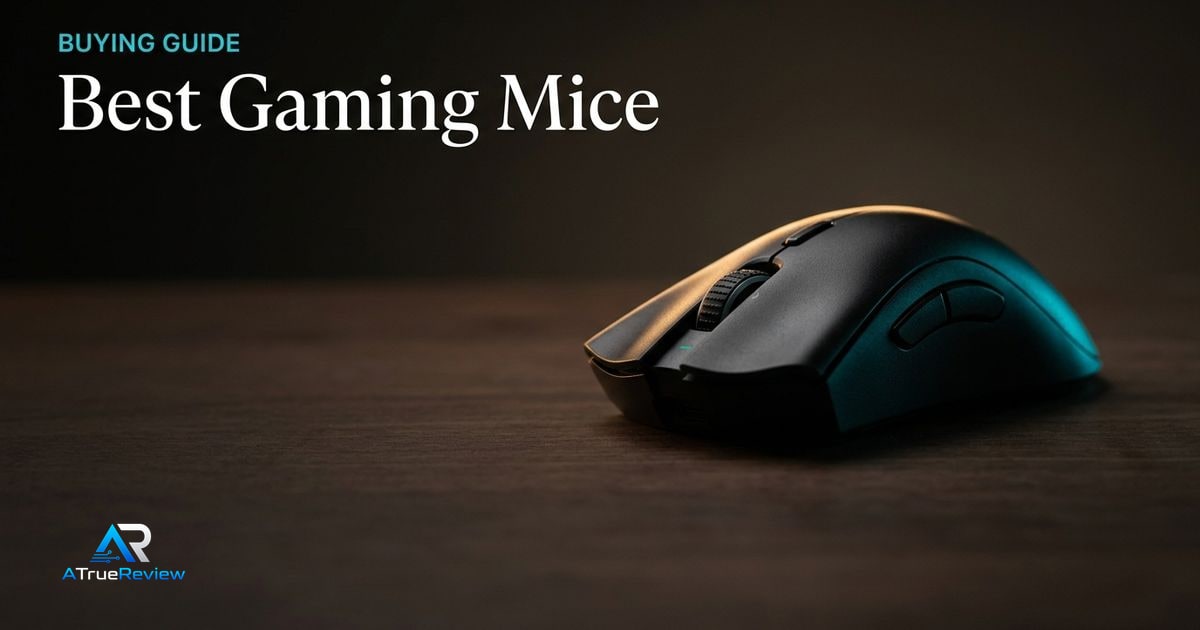
Gaming mouse rankings become useless when they pretend there is one best shape. The better question is whether a mouse fits the player’s grip, desk setup, tolerance for software, and willingness to trade battery life for polling-rate headroom instead of just flexing a higher spec ceiling.
A clean gaming-mouse decision tree
Before buying, make these decisions in order:
- Decide whether the real need is an ergonomic right-handed shape, a symmetrical shape, or a safer neutral default.
- Decide whether the grip style is palm, claw, or fingertip, because shape matters more than headline specs.
- Decide whether the buyer will actually run high polling rates or would rather keep battery life and setup simpler.
- Decide whether wireless performance, coating feel, button tension, or software simplicity matters most in daily use.
- Decide whether hand size and pad size support the mouse being considered.
- Confirm whether the player wants one proven competitive mouse or is really chasing novelty because a current mouse already fits.
That sequence is more useful than shopping by DPI ceilings or sensor branding alone. Most gaming-mouse regret comes from shape mismatch, not from missing one top-end specification.
What each gaming mouse has to prove before you pay
- The Razer DeathAdder V4 Pro has to prove that the ergonomic shell genuinely fits the hand and that the buyer will benefit from the flagship wireless and polling-rate stack rather than just admire it.
- The Razer Viper V3 Pro has to prove that a flatter symmetrical shape is the better answer for the grip style, not just the trendier esports pick.
- The Logitech G Pro X Superlight 2 has to prove that the safer mainstream shape and lower-friction ecosystem matter more than chasing Razer’s newest-spec bragging rights.
This is the clean way to buy a gaming mouse. Do not ask which one wins on paper. Ask which one still feels correct after three hours, not three minutes.
Why DeathAdder V4 Pro leads the ergonomic slot
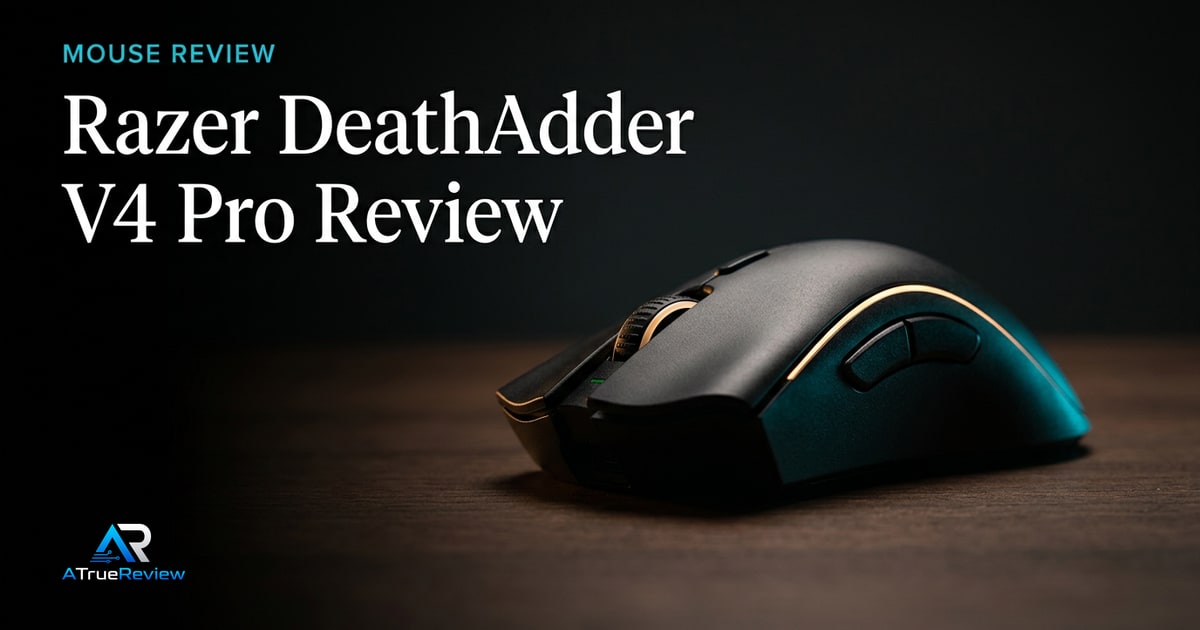
The Razer DeathAdder V4 Pro is the clearest current ergonomic pick because Razer kept the DeathAdder’s right-handed shape identity while modernizing the rest of the platform. Official materials list a 56g black model, HyperSpeed Wireless Gen-2, up to 8000 Hz polling in wired and wireless modes, up to 150 hours of battery life at 1000 Hz, a Focus Pro 45K Optical Sensor Gen-2, optical switches, and Razer’s first optical scroll wheel for an esports mouse.Razer Newsroom
That makes it the safest first recommendation for players who already like larger ergonomic right-handed mice. It is not the safest universal pick.
Why Viper V3 Pro stays close
The Razer Viper V3 Pro is the cleaner Razer pick for players who want a symmetrical esports shape. Razer lists a 54g black build, Focus Pro 35K Optical Sensor Gen-2, HyperPolling 8000 Hz support, optical mouse switches, eight programmable controls, and up to 95 hours of battery life.Razer
The key distinction is shape. The Viper should appeal more to claw and fingertip users who do not want the palm-filling DeathAdder profile.
Why Logitech remains the safer mainstream default
The Logitech G Pro X Superlight 2 is not the newest Razer-spec arms race, but it is still the cleanest broad pro-style recommendation. Logitech’s current spec page lists a 60g weight, HERO 2 sensor, 100-44,000 DPI range, more than 888 IPS, more than 88G acceleration, up to 8K reporting, LIGHTSPEED wireless, LIGHTFORCE switches, USB-C, five buttons, and 95 hours of constant-motion battery life.Logitech G
That makes it the shortlist’s conservative pick: familiar shape language, strong specs, and broad player adoption without forcing the reader into a larger ergonomic shell.
When a gaming mouse is not the answer
A premium gaming mouse is usually the wrong first purchase when:
- the real issue is an inconsistent desk setup, bad mousepad, or poor sensitivity settings
- the current mouse already fits well and the upgrade is mostly about spec envy
- the buyer has not yet figured out preferred shape, size, or grip style
- software frustration, cable drag, or worn skates are the main complaints rather than sensor or click quality
- the game being played does not benefit much from a top-end esports mouse
In those cases, a better mousepad, fresh skates, a simpler wireless model, or time spent dialing in sensitivity will usually move performance more than buying the most expensive mouse on the list.
What still needs hands-on validation
Before this guide becomes a final buyer page, the site should test grip fit by hand size, coating and sweat behavior, click tension, side-button reach, scroll feel, glide on common pads, software setup, 1000 Hz versus higher-polling battery drain, and real aim consistency across at least one tactical shooter and one faster tracking game.
Where to go next
For a product-level buying verdict, start with the Razer DeathAdder V4 Pro review. For broader routing, use gaming mice for the full category, mouse for the legacy mouse archive, and the computing hub for the wider peripherals stack.