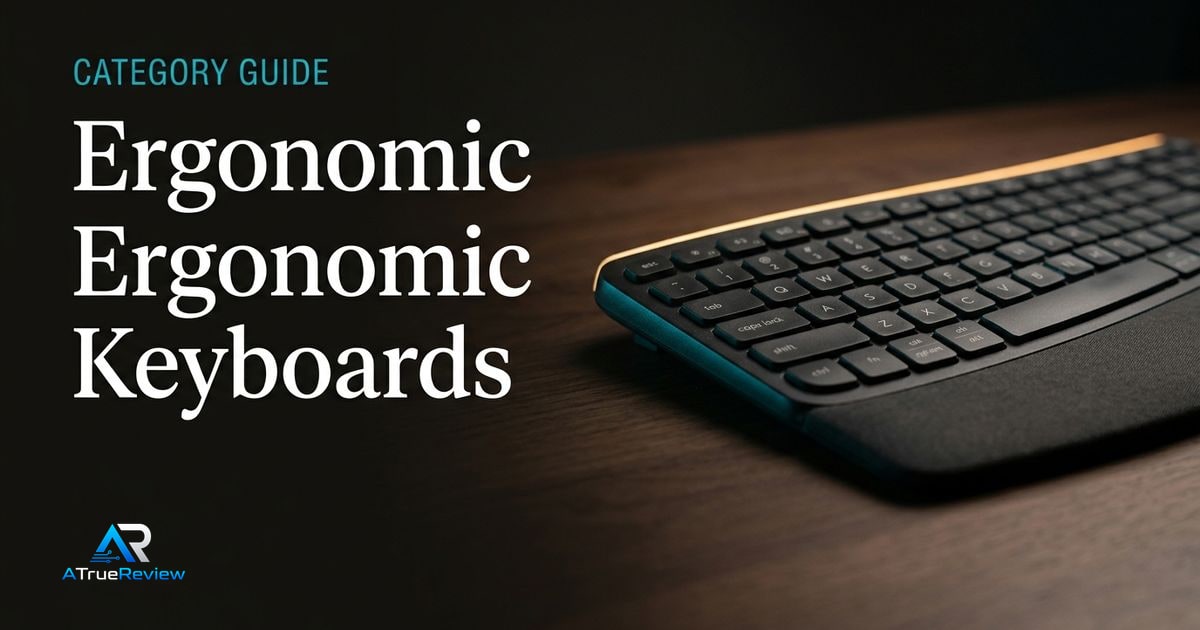
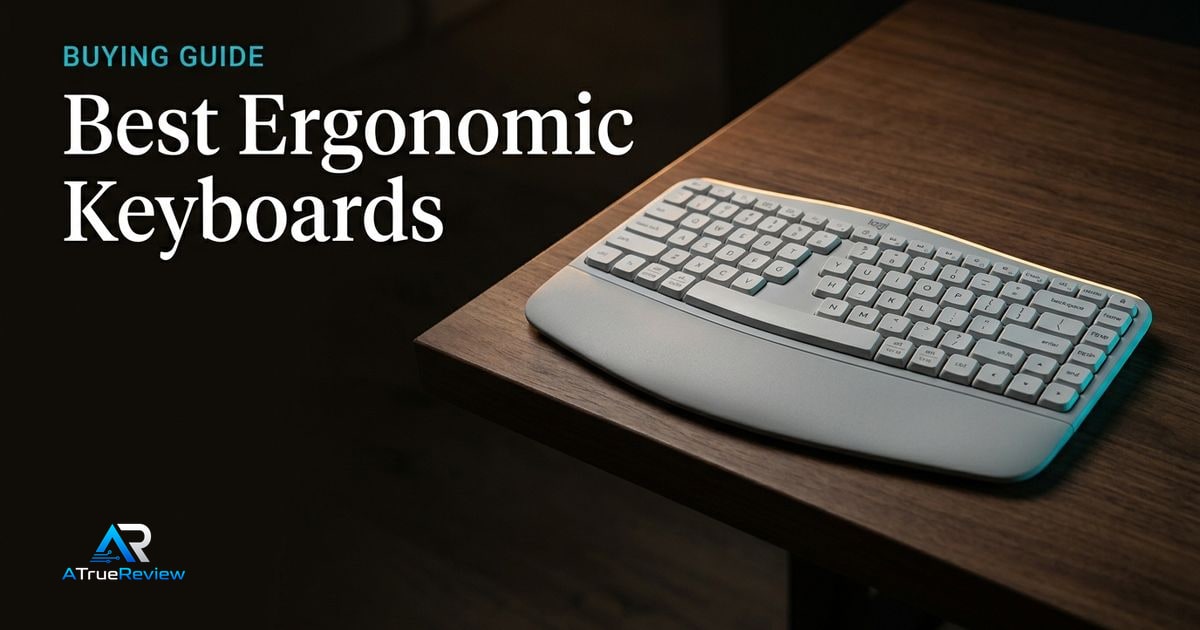
Ergonomic keyboard buying is not just about comfort claims. The harder question is how much adaptation the reader is willing to accept in exchange for better posture, more shoulder width, deeper programmability, or less finger travel.
Picks on this page separate easy office upgrades from true split and columnar boards, because those products solve different problems for different typists.
How to use this ergonomic-keyboards category
Use this page to narrow the keyboard problem before jumping into one review or a broader shortlist.
- Start here if the real question is mainstream comfort versus true split ergonomics, fixed wave boards versus programmable mechanical layouts, desk footprint, or willingness to relearn typing habits.
- Move to the featured review when one specific keyboard already looks right and the remaining questions are about typing adaptation, palm-rest comfort, wireless fit, or office deployment friction.
- Move to the best-of guide when the buyer still needs shortlist logic across easy office upgrades, true split mechanical boards, and deeper ergonomic transition options.
- Cross into the adjacent categories when the real constraint is monitor height, laptop workflow, software habits, or the broader desk setup rather than the keyboard itself.
This category is most useful when the buyer already knows the rough comfort problem and now needs to avoid buying the wrong ergonomic commitment level for daily work.
When an ergonomic-keyboards category is not the answer
Keyboard research is usually the wrong next step when:
- the real problem is chair height, monitor position, wrist angle, or mouse reach rather than the keyboard itself
- the buyer is paying for an advanced ergonomic board on a setup that mostly needs better desk ergonomics or typing habits
- the current issue is workload stress, hand injury, or medical pain that a keyboard alone may not solve
- the real bottleneck is laptop fit, monitor adjustment, or software workflow rather than typing hardware
- the budget would improve comfort more by fixing several workstation weak points instead of one premium board
In those cases, the better move is often fixing the actual desk or posture problem before replacing the keyboard.
Where to narrow next
For a product-level read, start with the Logitech Wave Keys review. For shortlist logic across the category, open best ergonomic keyboards. Keyboard buying also touches the rest of a work setup: check desktop monitors for screen height and desk comfort, laptops for the main workflow machine, productivity-software when habit and tooling design matter as much as hardware, and the wider computing hub when the whole workstation still needs shaping.