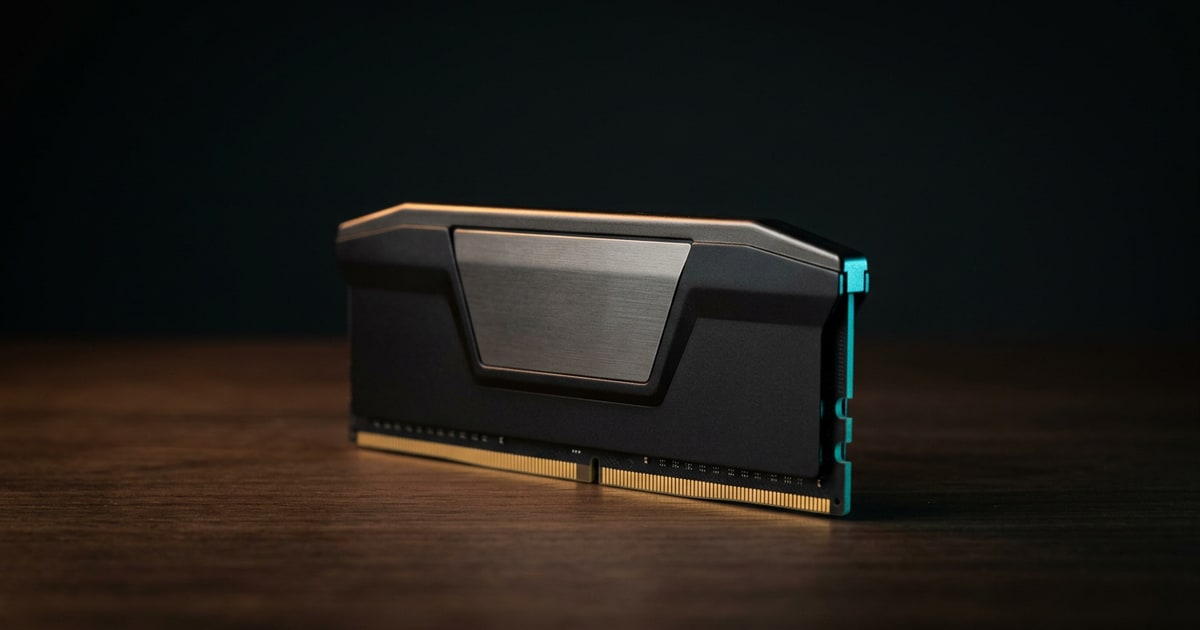
Why the old RAM upgrade page still has real search value
The legacy ram mod page was crude wording for a topic that still matters. People keep searching for RAM upgrade advice because memory is one of the few PC parts that can still produce a meaningful day-to-day performance improvement without demanding a full system swap.
Crucial’s desktop memory guidance still frames RAM as a straightforward way to improve responsiveness and workload headroom, and Kingston’s DDR5 documentation explains why that advice has become more complex, not less: newer memory generations bring higher bandwidth and new platform rules, but compatibility remains strict.Crucial desktop memory Kingston DDR5 overview
Rule one: buy the right generation
If you remember only one part of this guide, remember this:
- DDR4 is not DDR5
- the notch position is different on purpose
- motherboard support decides the platform
Kingston’s DDR5 overview is direct about this because the physical keying is there to prevent the wrong module from being installed into the wrong socket.Kingston DDR5 overview
This matters because search traffic still includes buyers who assume memory is mostly interchangeable as long as the module length looks right. It is not.
The trap with desktop RAM shopping is that the biggest advertised speed or capacity is not automatically the right target. Motherboard and processor rules determine what you can actually run cleanly.
Kingston’s population-rules reference is useful here because it shows the part buyers routinely miss: supported memory speed can vary depending on:
- chipset
- processor family
- number of modules installed
- single-rank vs dual-rank layout
That means the best RAM upgrade is often the one that matches your system cleanly, not the one with the most aggressive box copy.Kingston memory population rules
A clean desktop RAM decision tree
Before buying a kit, make the upgrade answer explicit:
- Check whether the motherboard is DDR4 or DDR5.
- Check the maximum supported capacity and preferred slot population.
- Check whether the current workload is actually memory-limited.
- Decide whether you are replacing all modules or adding to an existing kit.
- Prefer a matched kit if stability matters more than saving a small amount of money.
That sequence prevents the common failure mode: buying memory because it is fast or cheap, then discovering the board, CPU memory controller, or existing DIMMs make the advertised spec irrelevant.
What RAM upgrades actually improve
A PC RAM upgrade guide should be honest about outcomes.
RAM helps most when the current system is running short on working memory. That usually shows up as:
- sluggish multitasking
- browser tab instability
- heavier content-creation slowdown
- poorer behavior under virtual machines, large spreadsheets, or bigger game launchers running in the background
When those conditions are present, more memory can make a machine feel cleaner and less stressed. When they are not, the gain may be modest.
Kits beat improvisation
The fastest way to turn a simple upgrade into a troubleshooting session is to mix memory blindly.
In practice, safer upgrade habits look like this:
- use a matched kit when possible
- stay inside the board’s validated memory generation
- verify supported capacity before buying
- avoid assuming one high-speed DIMM means the whole system will run at that speed
That advice is not glamorous, but it prevents most self-inflicted RAM problems.
When not to upgrade RAM
Do not let the RAM slot become a dumping ground for every performance complaint. A memory upgrade is usually the wrong first move when:
- games are GPU-limited at the target resolution
- the system is slow because it still boots from an old hard drive
- the CPU is saturated during the workload
- the board already has enough memory but unstable mixed modules
- the platform is so old that the same money is better saved for a bigger upgrade
This is why the guide links into SSD, motherboard, and GPU coverage. RAM is a high-value upgrade only when it matches the bottleneck.
Where to go next
If the upgrade path is open, use the current desktop memory guide and best DDR5 RAM guide to choose a matched kit. If compatibility is unclear, start with motherboards because the board, CPU, BIOS, and memory QVL decide what will actually run.
Bottom line
The right modern answer to the old ram mod search is simple: a RAM upgrade is still worth doing when your platform supports it and your workload needs it. The upgrade becomes a mistake only when buyers ignore the motherboard, CPU, and slot-population rules that govern whether the memory will run properly in the first place.