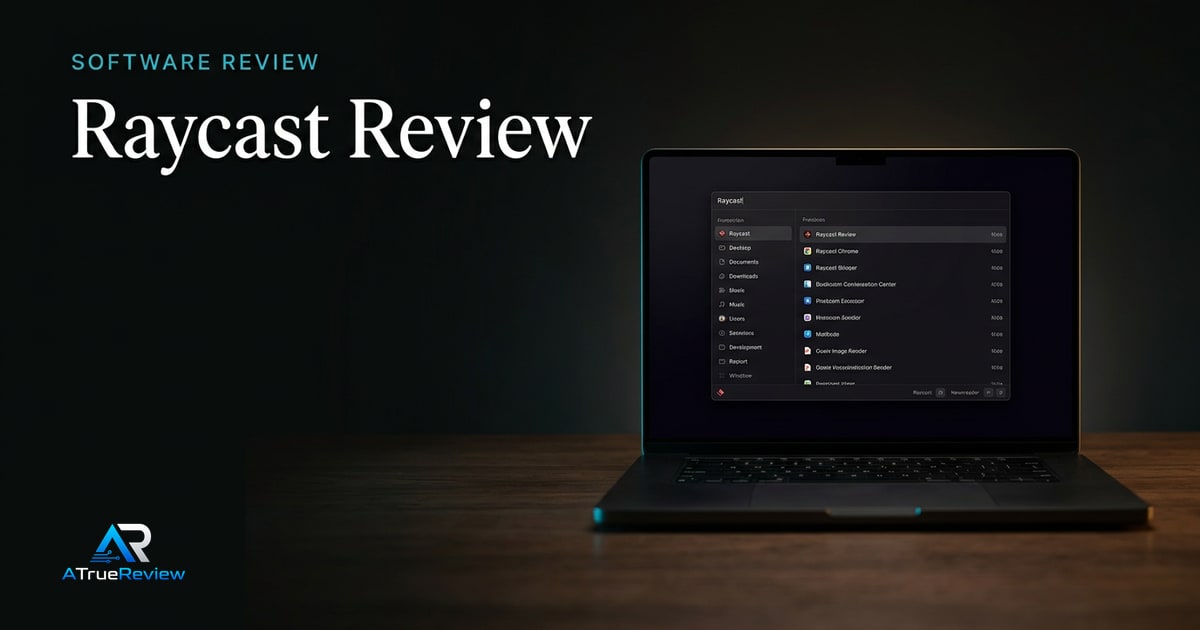
Featured review
Raycast Review
A review of Raycast as a Mac command layer, focused on whether launcher speed, extensions, snippets, quicklinks, and paid upgrades actually earn a permanent place in the workflow.
Read the review Our Method
Tools worth keeping open all day
Editorial picks for software that compounds focus, speed, and output instead of adding subscription fatigue.
Readers choosing the small set of apps that should stay in their permanent workflow.
Help readers decide which tools deserve a permanent place in their workflow and budget.
Featured review
A review of Raycast as a Mac command layer, focused on whether launcher speed, extensions, snippets, quicklinks, and paid upgrades actually earn a permanent place in the workflow.
Read the review
Lead guide
The best all-in-one workspace and productivity apps for 2026 — picked for command-bar speed, connected workspaces, and calm task management, with who each one suits.
Open the guideCategory frame
Productivity software is one of the easiest categories to drown in. The reader does not need a giant directory of apps; they need a clear call on which tools earn a permanent slot in a daily workflow and which only feel useful for a week.
Picks on this page favor software that compounds focus and removes friction over the long run, not feature lists that fade after the trial ends.
Use this page to narrow the software problem before jumping into one review or a broader shortlist.
This category is most useful when the buyer already knows the workflow pain point and now needs to avoid paying for another tool that feels clever for a week and then disappears from the routine.
This is the cleaner way to buy productivity software. Do not ask which tool looks smartest in a launch demo. Ask which one will still earn its place after two weeks of actual work.
Software research is usually the wrong next step when:
In those cases, the better move is often fixing the actual work habit or environment problem before adding more software.
For a product-level buying verdict, start with the Raycast review. For shortlist logic across the category, open best productivity apps. Productivity-software choice also touches the rest of a work setup: check laptops for the machine the software runs on, smartphones for mobile extension and ecosystem fit, headphones when focus audio matters, and the wider software hub when the whole workflow stack still needs shaping.
Reviews in this category
Category pages should help readers move from general interest into a smaller set of decisive editorial calls.
Software review
The strongest productivity-app candidate for keyboard-first Mac users, pending direct long-session testing.
Analytics software review
A strong, simple, privacy-respecting analytics choice for small sites and SaaS that want compliant numbers without a cookie banner — provided you do not need GA4-grade depth or a free tier.

AI voice software review
The most natural-sounding AI voice generation available to most creators and small teams — provided you accept credit-based pricing that scales with usage and you handle voice cloning responsibly.

AI writing software review
The strongest AI writing platform for marketing teams that need consistent, on-brand copy at scale — provided you will actually use the brand-voice and collaboration features that justify its price over a cheaper single-writer tool.

AI writing software review
A capable AI writing tool with one of the more useful free tiers for short-form marketing copy, now broadening into GTM automation — best if you will use either the fast copy generation or the workflow automation, rather than needing a focused long-form writer.