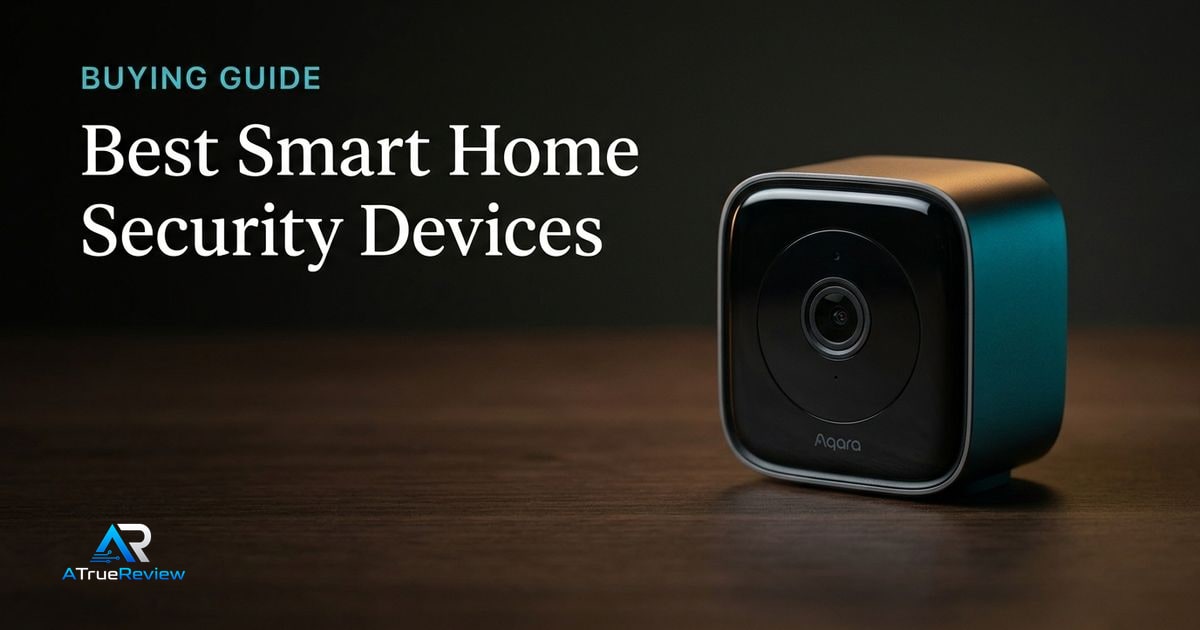
Security buying guides should reduce anxiety, not manufacture it. Readers want to know which products are dependable, easy to live with, and sensible to trust inside the home, not which one looks most advanced on a landing page.
A clean smart-home-security decision tree
Before buying, make these decisions in order:
- Decide whether the problem is front-door visibility, yard coverage, indoor awareness, or ecosystem expansion.
- Decide whether the camera must run wire-free, plug-in, or PoE.
- Decide whether local storage and local processing are mandatory or whether cloud history is acceptable.
- Decide whether the device needs to plug into Apple Home, Google Home, Alexa, Matter, or a broader automation stack.
- Decide whether the buyer will actually manage notifications, activity zones, and privacy settings after setup.
- Confirm the installation environment: weather, Wi-Fi strength, mounting height, and blind spots.
That sequence is more useful than comparing marketing labels like “AI camera” or “2K vs 3K.” The right pick depends more on power, storage, and ecosystem fit than on one headline feature.
What each smart-home security pick has to prove before you pay
- The Aqara Camera Hub G5 Pro has to prove that the buyer will actually use the hub, automation, and local-storage depth instead of paying for a broader system they will never build.
- The Google Nest Cam Battery has to prove that setup simplicity matters more than deeper privacy, local-storage, or integration options.
- The Eufy SoloCam S340 has to prove that wire-free outdoor coverage solves the real blind-spot problem without creating solar-placement or alert-tuning compromises.
This is the cleaner way to buy home-security gear. Do not ask which camera sounds smartest. Ask which one will still feel dependable after the first week of alerts, app checks, and routine use.
Why Aqara G5 Pro leads
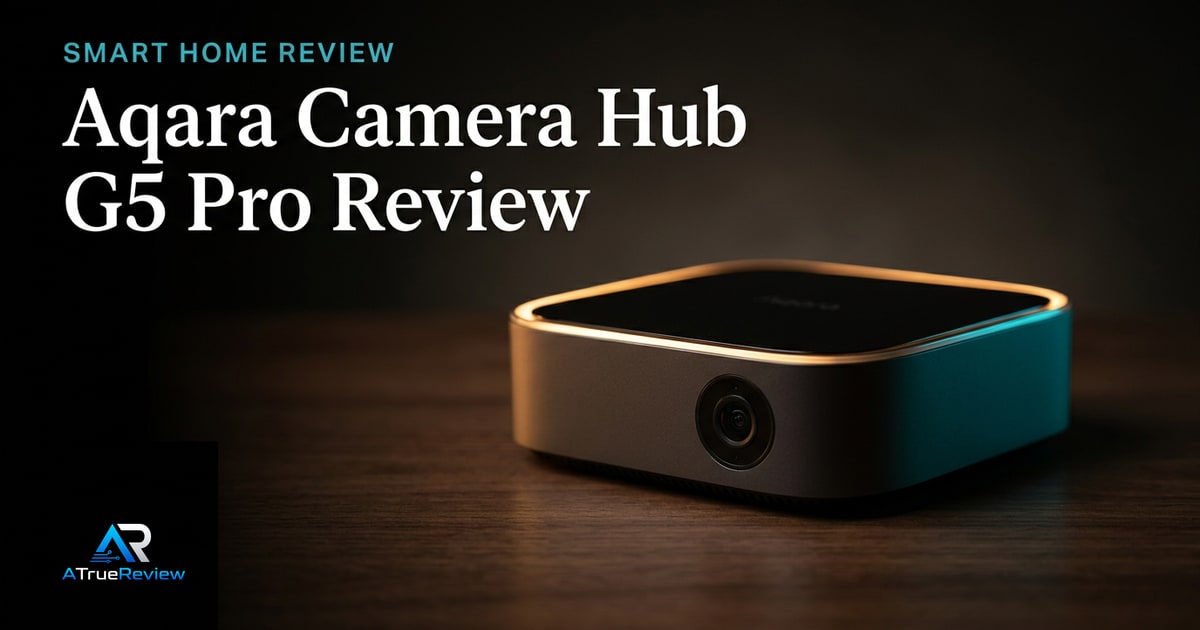
The Aqara Camera Hub G5 Pro is the most interesting launch pick because it is not just a camera. Aqara’s product page positions it as an outdoor camera, Zigbee/Thread hub, and Matter integration point, with 4MP/2.6K resolution, True Color Night Vision, AI visual/audio detection, HomeKit Secure Video compatibility, encrypted local eMMC storage, NAS support, RTSP streaming, dual-band Wi-Fi or PoE options, IP65 weather resistance, and operation down to -30°C.Aqara
That makes it the best candidate for readers already building an integrated smart home rather than just adding one standalone camera.
Why Nest Cam Battery is the simple mainstream pick
Google’s Nest Cam Battery is easier to explain. Google’s spec sheet lists a 2MP sensor, 130° field of view, 1080p HDR video at 30 FPS, night vision with HDR, 24/7 live view, two-way audio, on-device machine learning, automatic security updates, IP54 weather resistance, built-in battery, and up to 3 hours of event video history included.Google Store
The caveat is subscription dependency. Longer event history or continuous video recording requires Google Home Premium tiers and, for continuous recording, a plugged-in camera.
Why Eufy SoloCam S340 is the wire-free outdoor pick
Eufy’s SoloCam S340 is the outdoor-coverage alternative. Eufy positions it around dual cameras, up to 8x zoom, 360° coverage, SolarPlus charging, wire-free installation, and on-device AI-powered tracking.Eufy
That makes it useful when the buyer’s primary problem is a yard, driveway, or exterior blind spot rather than deep smart-home hub integration.
When smart-home security is not the answer
A camera is usually the wrong first fix when:
- the real need is better locks, lighting, or a simpler entry routine
- the mounting area has weak Wi-Fi, poor power options, or obvious privacy conflicts with neighbors or shared spaces
- the buyer will never tune alerts and will end up muting the app after a week
- the goal is professional monitored security rather than DIY awareness
- the household is uncomfortable with indoor cameras regardless of feature set
In those cases, a lock upgrade, motion lighting, or a professionally designed alarm system may solve the problem more cleanly than another app-connected camera.
What still needs hands-on validation
Before this guide becomes a final buyer page, the site should test setup friction, app reliability, false alerts, night footage, two-way audio, local storage behavior, subscription lock-in, outage behavior, router compatibility, and privacy defaults.
Where to go next
For a product-level buying verdict, start with the Aqara Camera Hub G5 Pro review. For category routing, use smart-home security for the full camera and sensor set, smartphones when the control app matters as much as the hardware, and the smart-home hub for the broader automation stack.